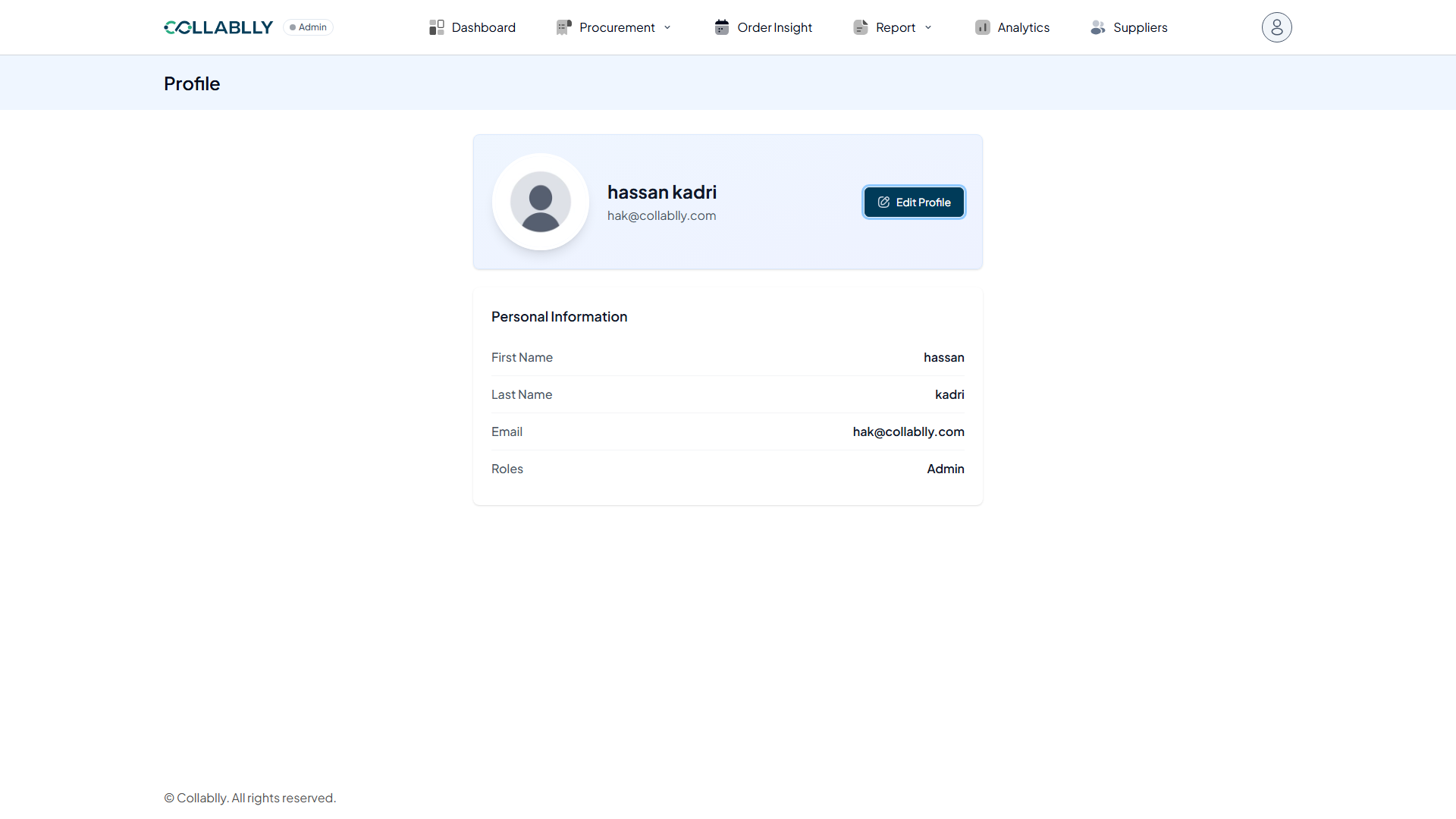
- Step 1 of 8
Open your Profile
Click your avatar in the top right, then select Profile from the menu.
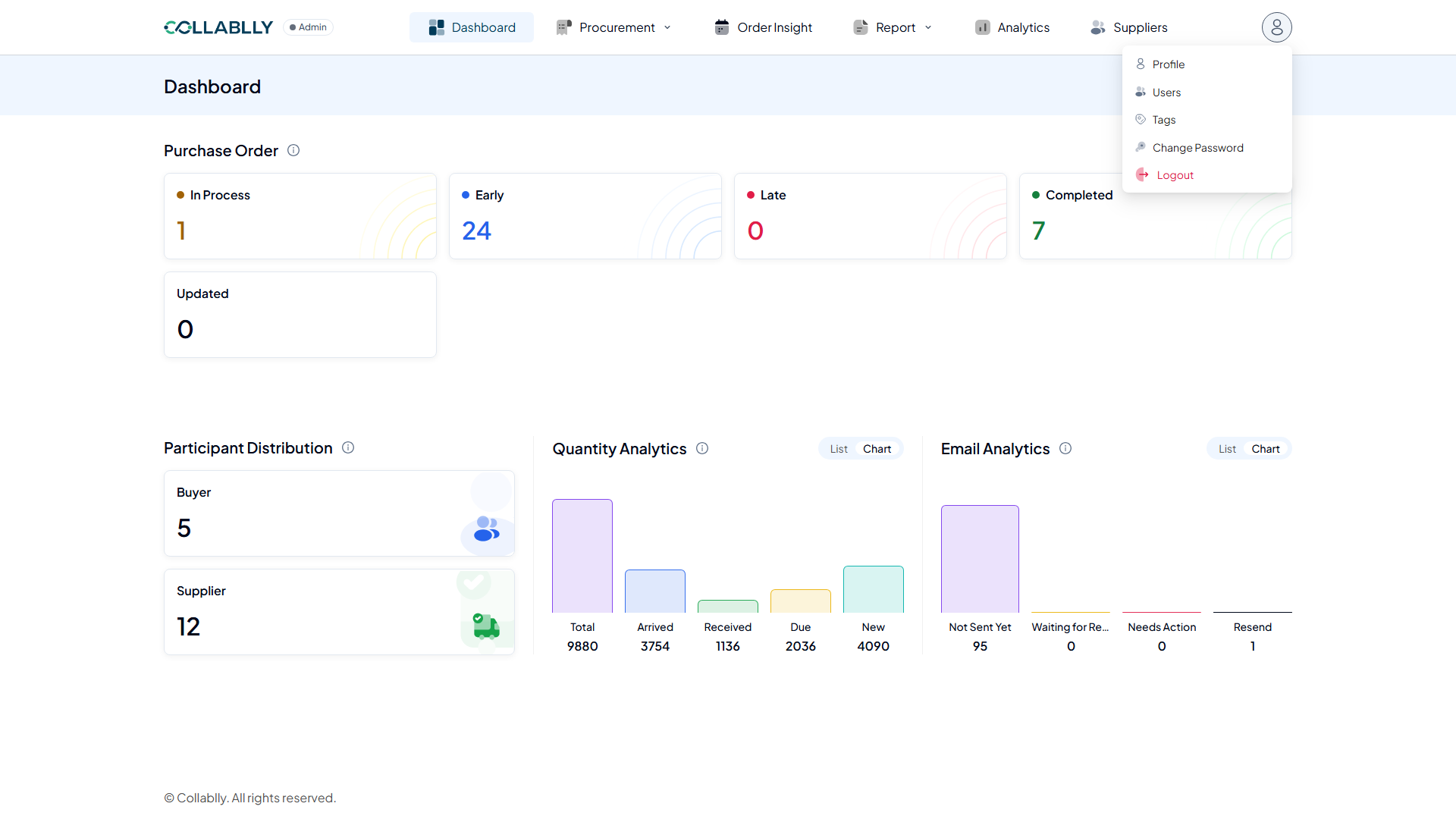
- Step 2 of 8
What this page shows
Profile shows your own account details: name, email, role, and a shortcut to update your name.
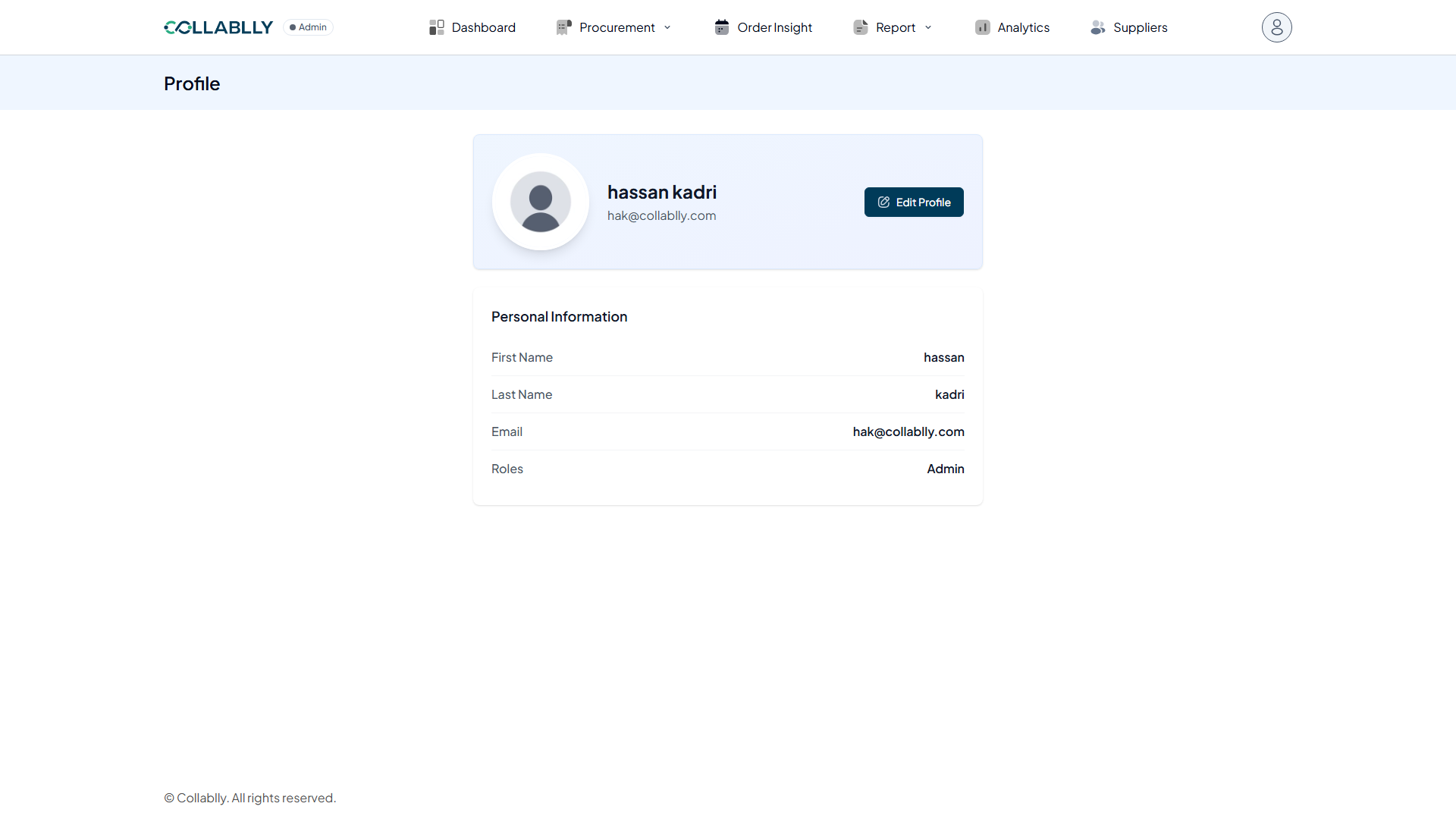
- Step 3 of 8
Edit Profile
Opens a form to update your first and last name. Email and Roles are not editable here.
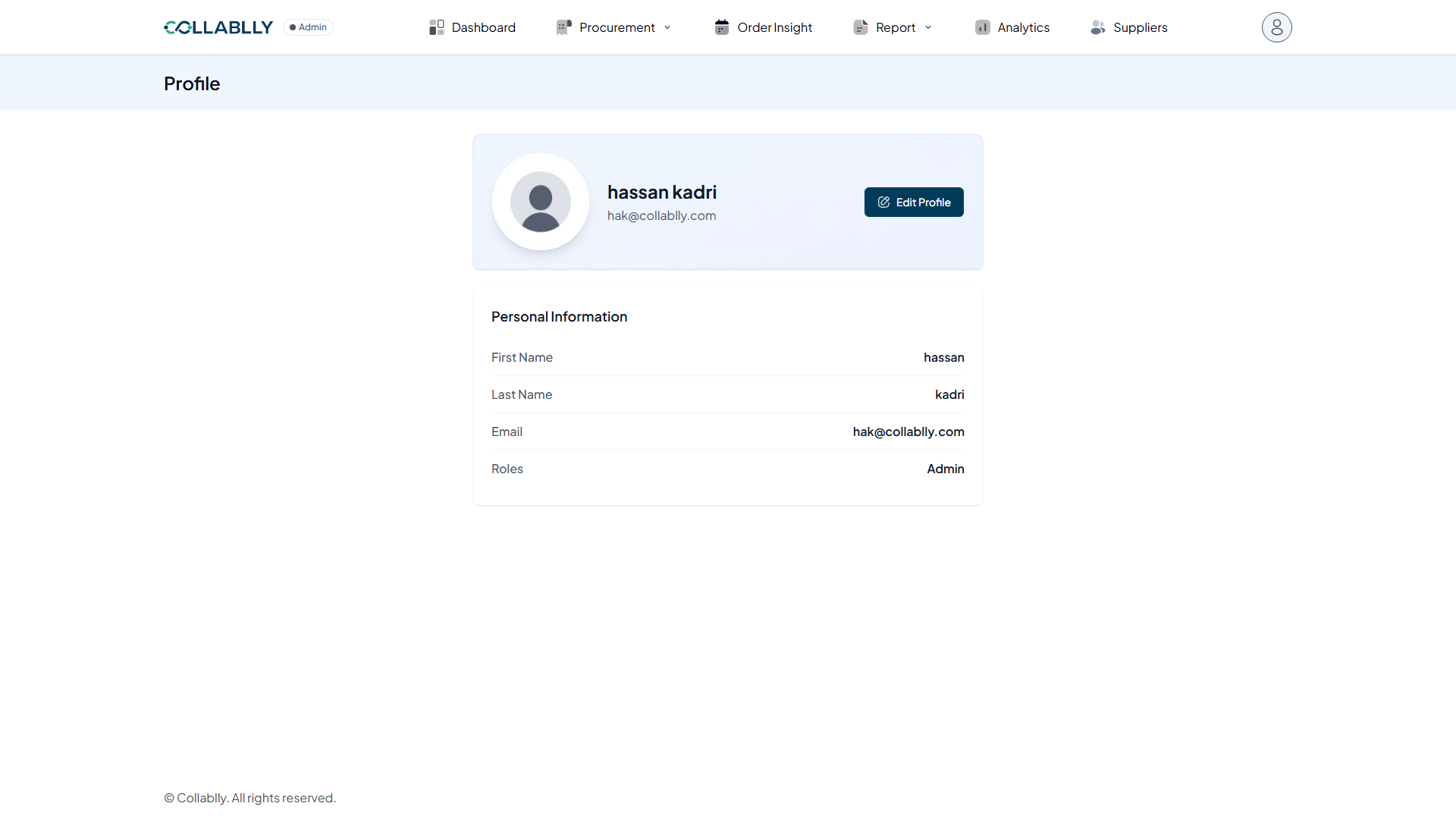
- Step 4 of 8
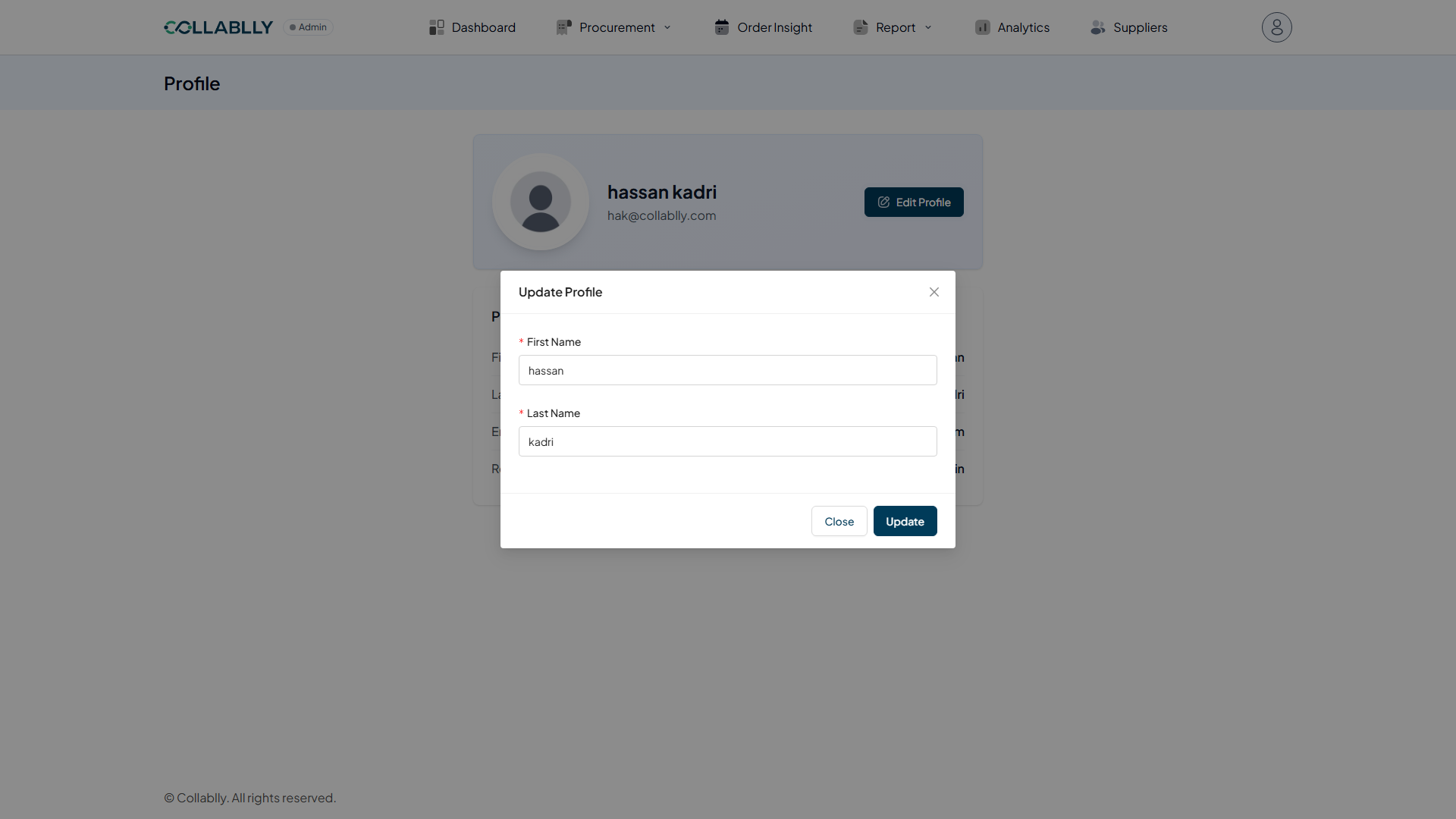
The Update Profile form
Change First Name or Last Name, then save. Your email and role stay fixed.
- Step 5 of 8
Field: First Name
Your first name, as it appears throughout Collablly.
- Step 6 of 8
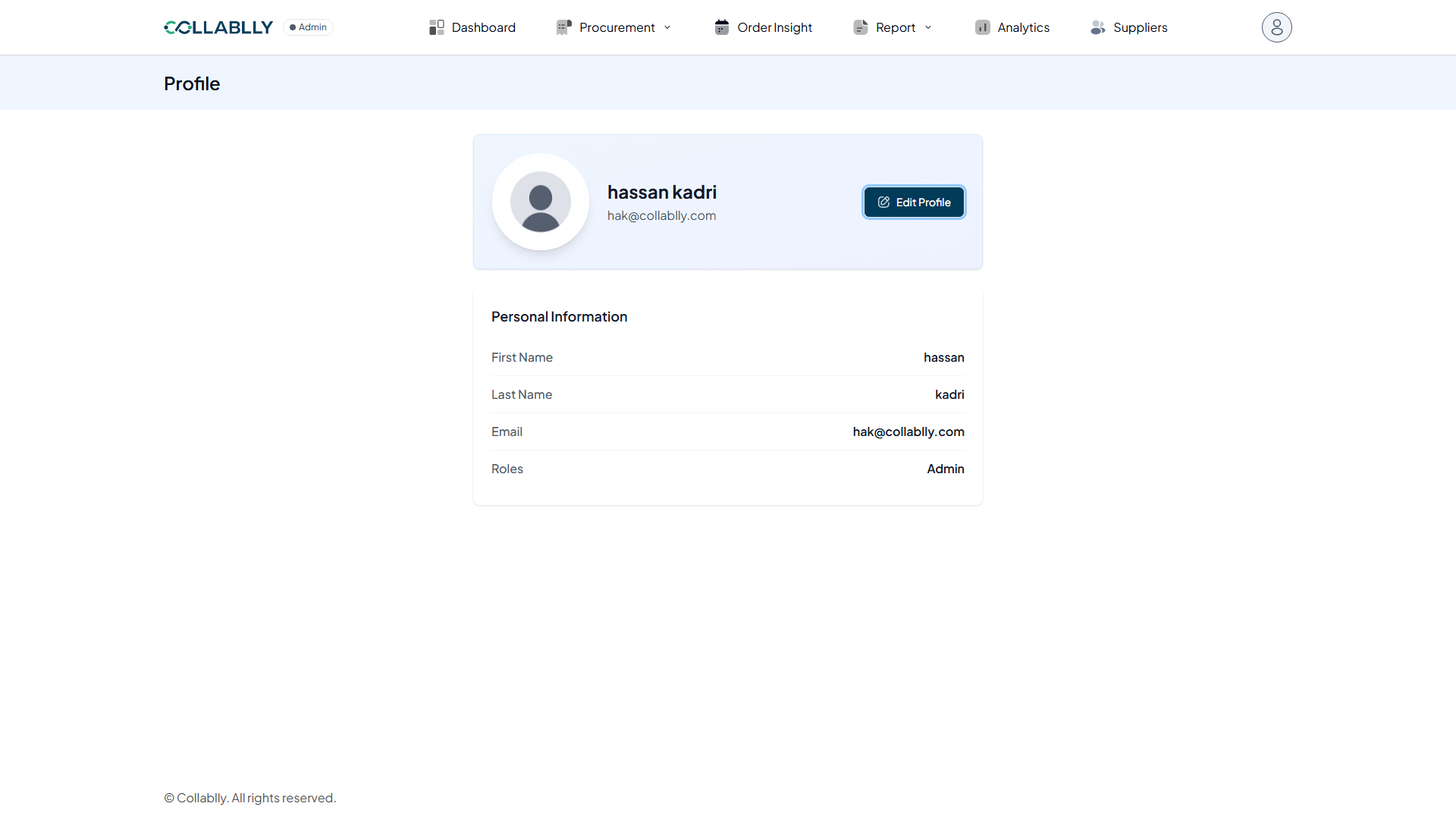
Field: Last Name
Your last name.
- Step 7 of 8
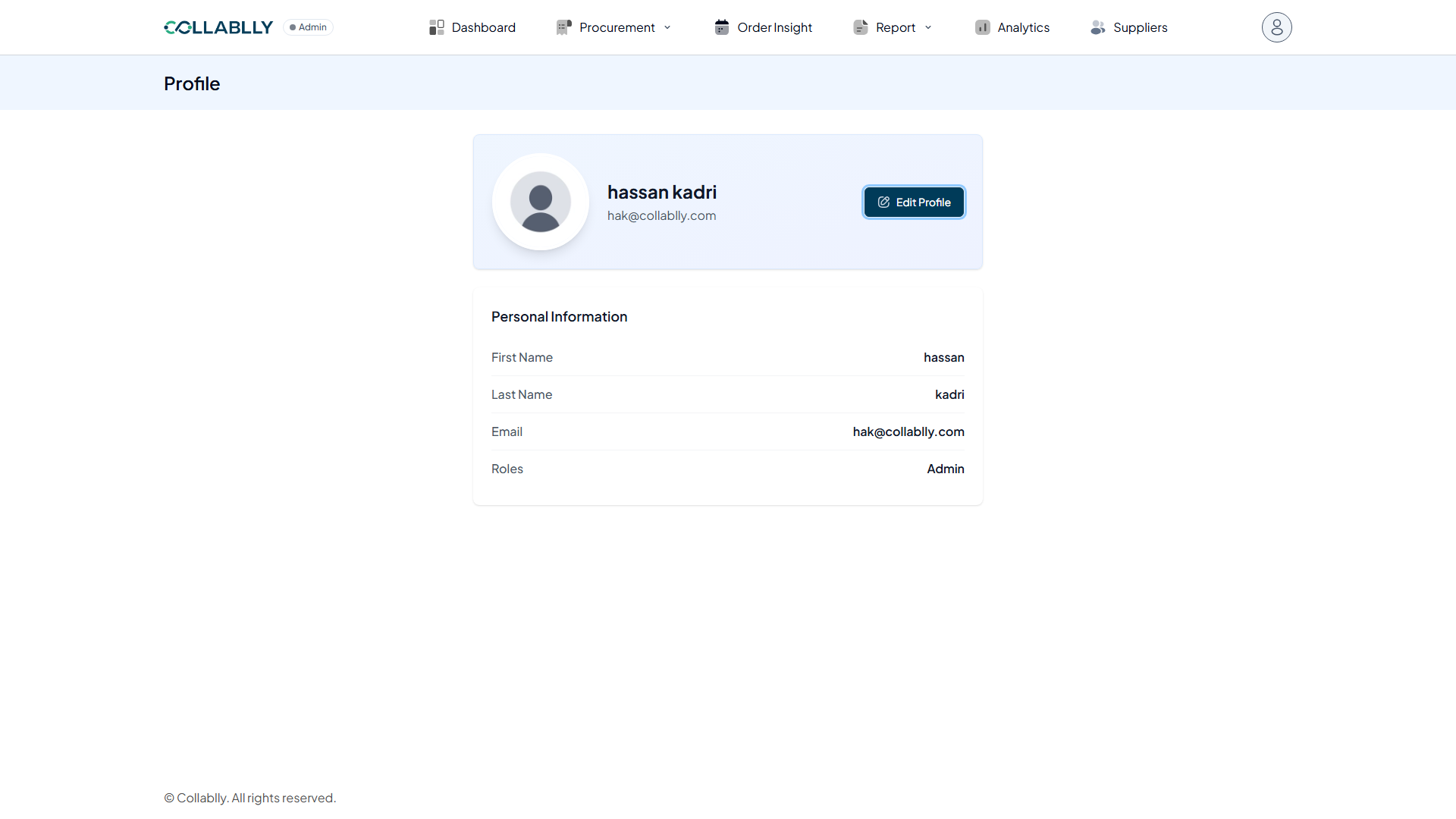
Field: Email
The email address you sign in with. Set once and not editable from this page.
- Step 8 of 8
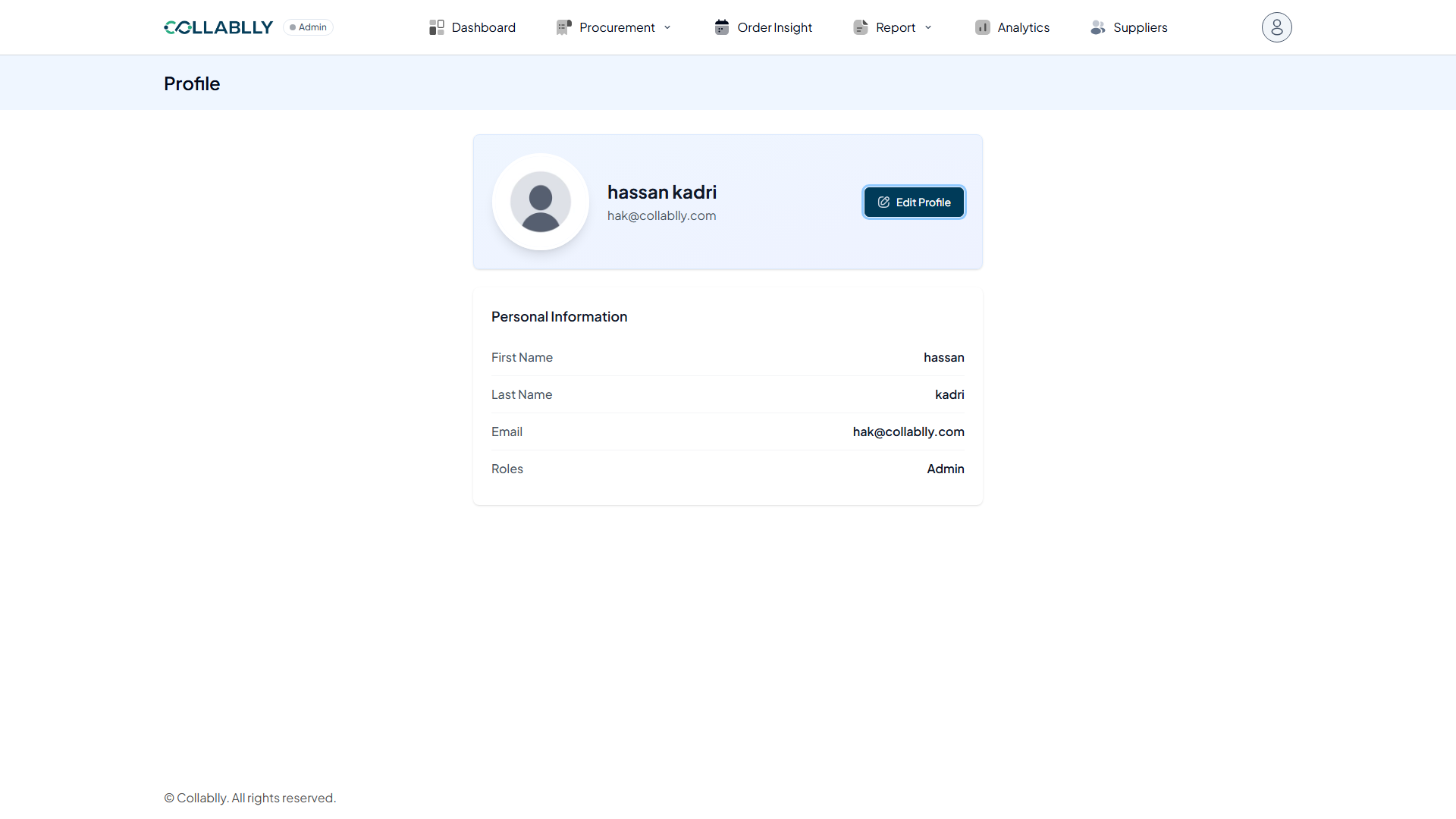
Field: Roles
Your role in this tenant, for example Admin or Buyer. Determines what you can see and do across Collablly SRM.