- Step 1 of 23
Open Order Insight
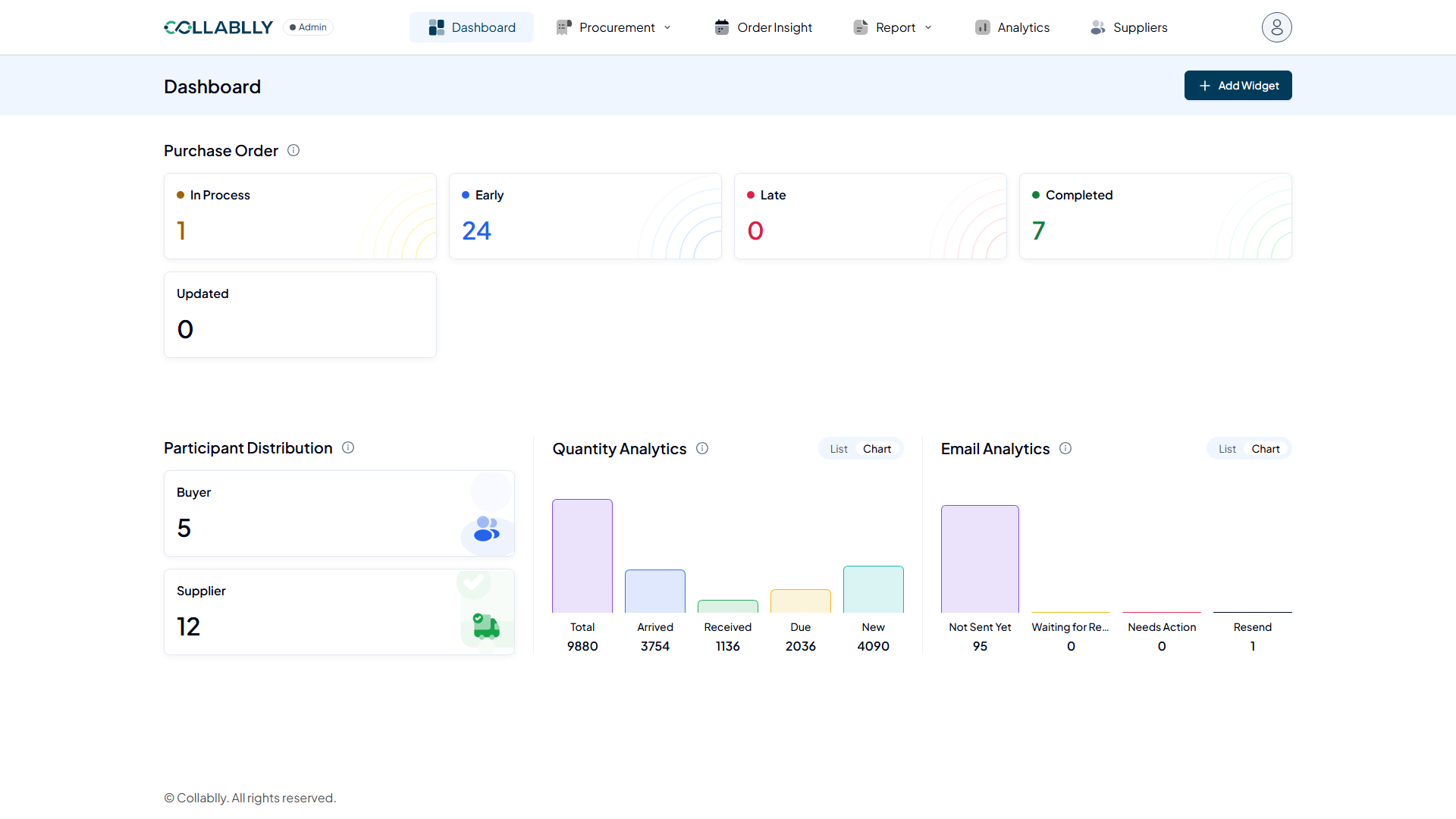
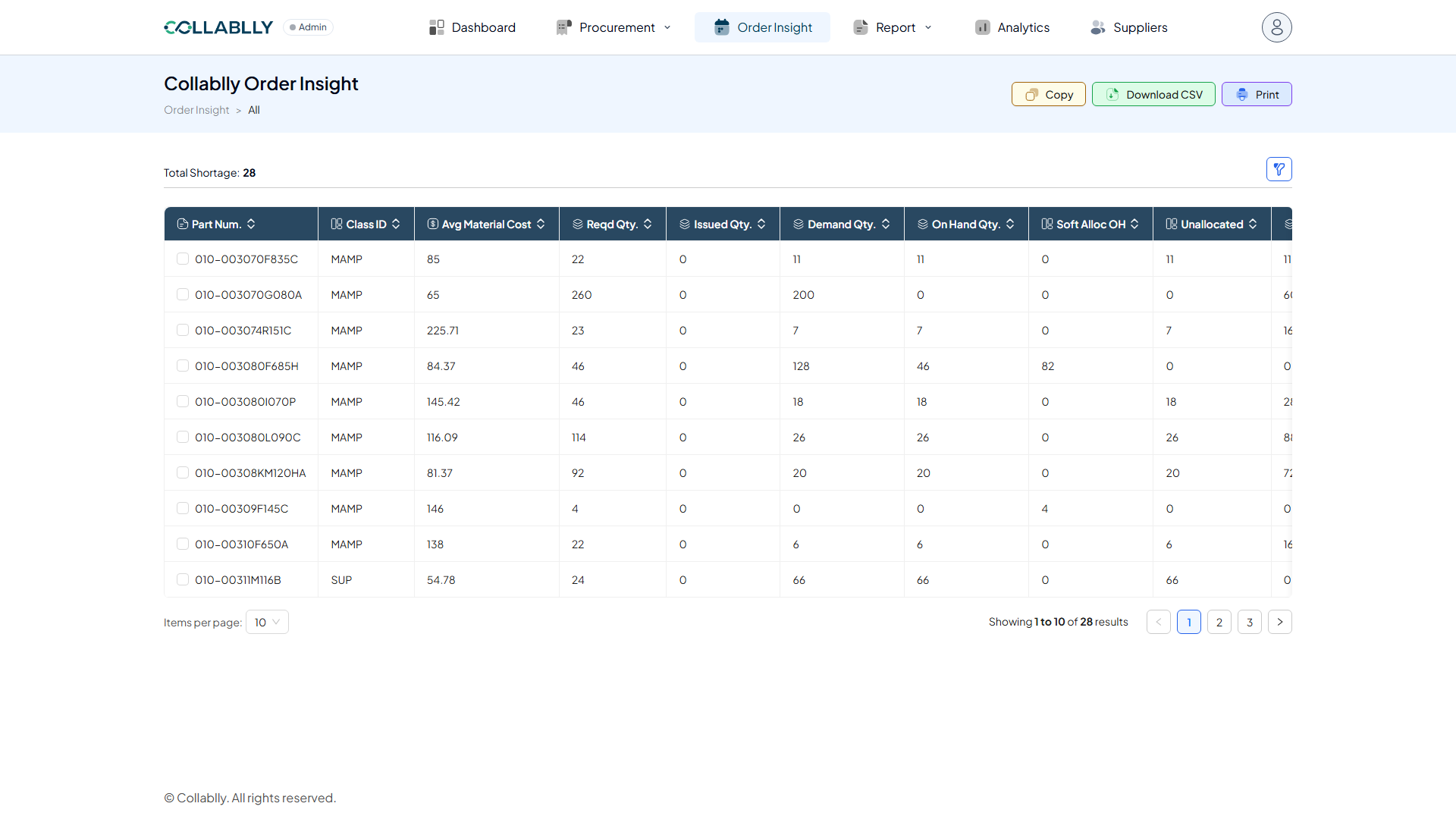
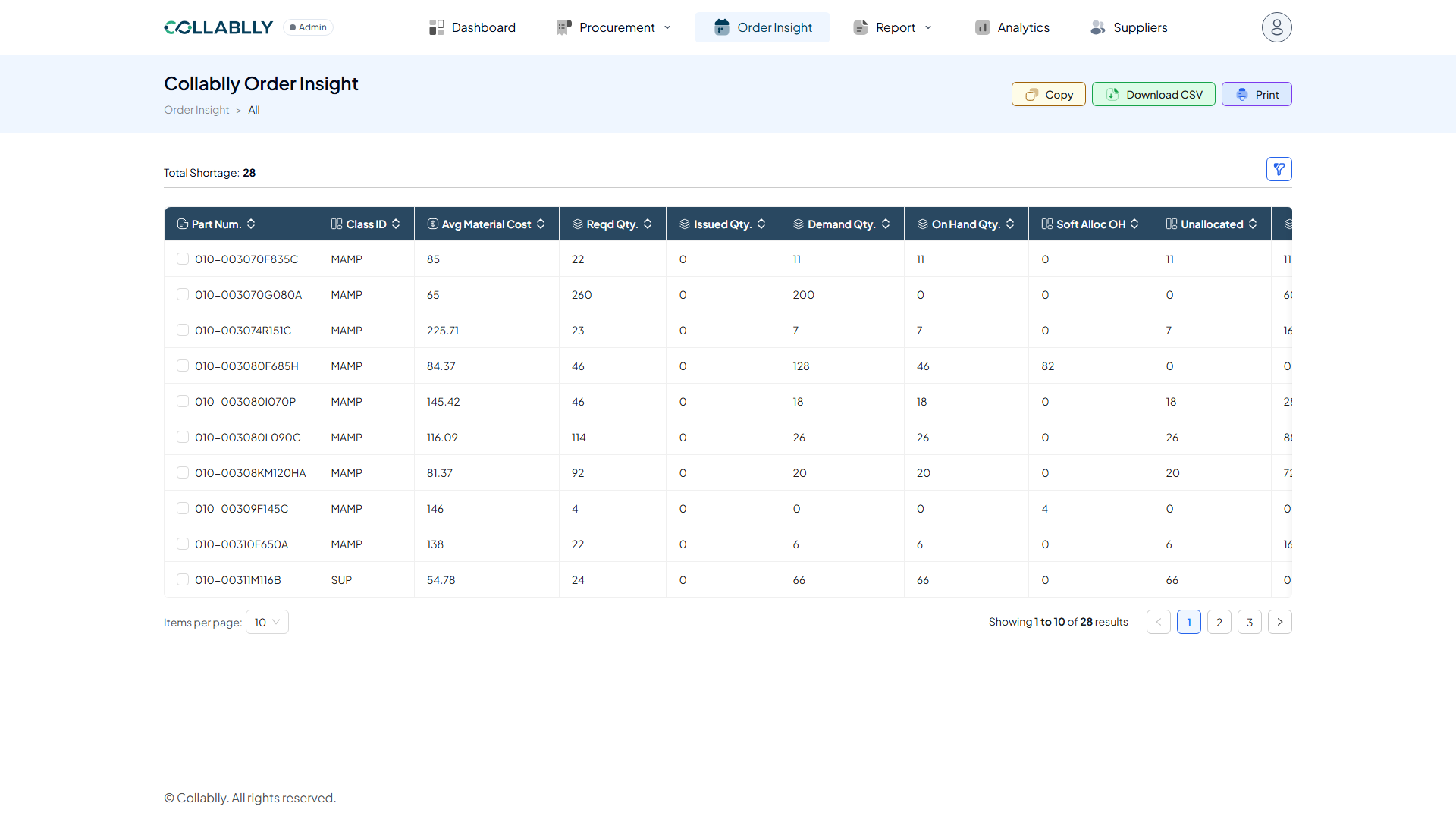
From the top navigation, select Order Insight. This is Collablly’s material shortage view, one row per part.
- Step 2 of 23
What this page shows
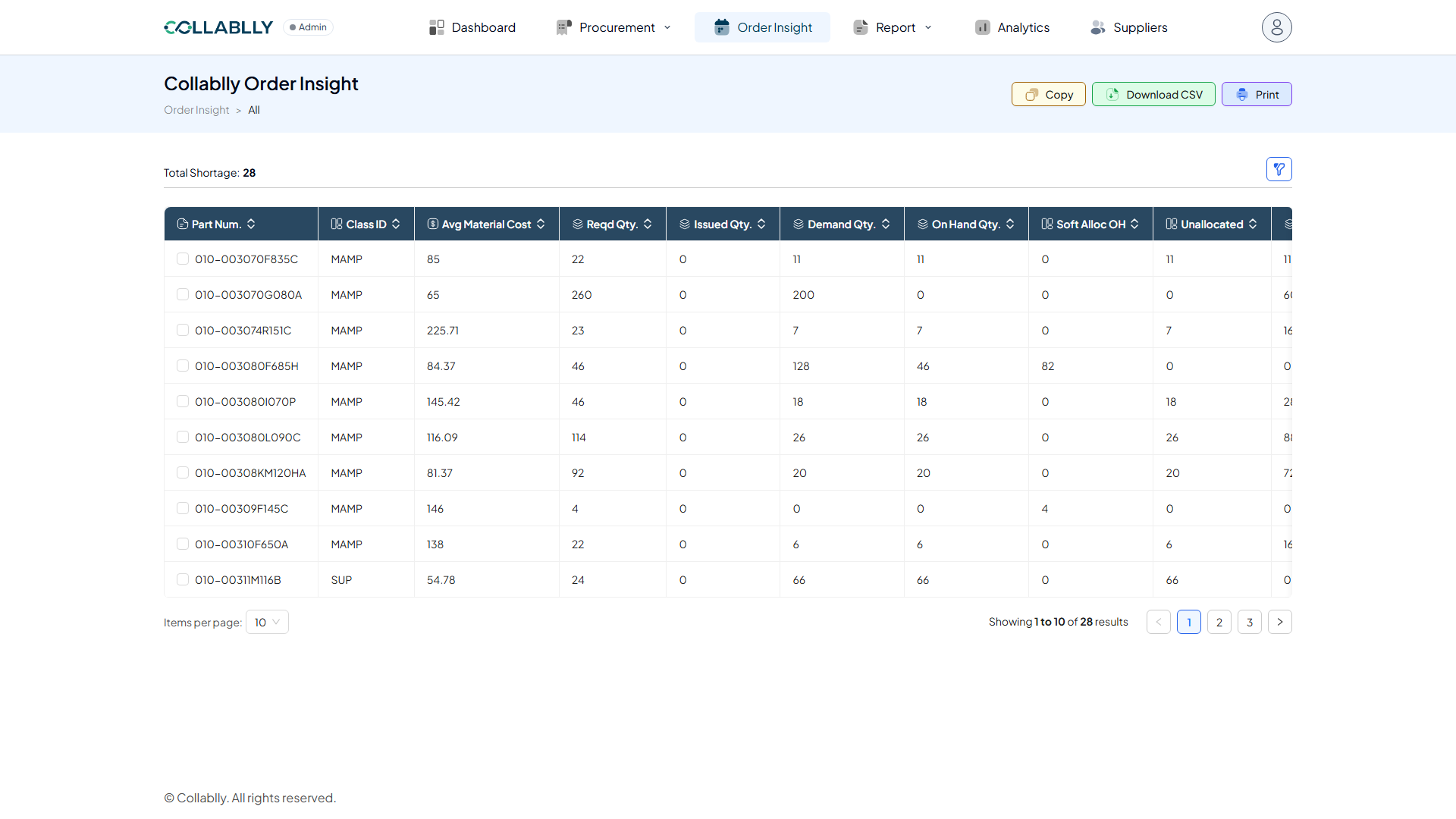
Order Insight lists every part with an open requirement, and shows exactly how much of it is covered, allocated, or short. Nothing here needs to be filled in; it is a read-only planning view.
- Step 3 of 23
Total Shortage
A running count of how many parts on this list currently have a shortage, updated live as the underlying data changes.
- Step 4 of 23
Filter
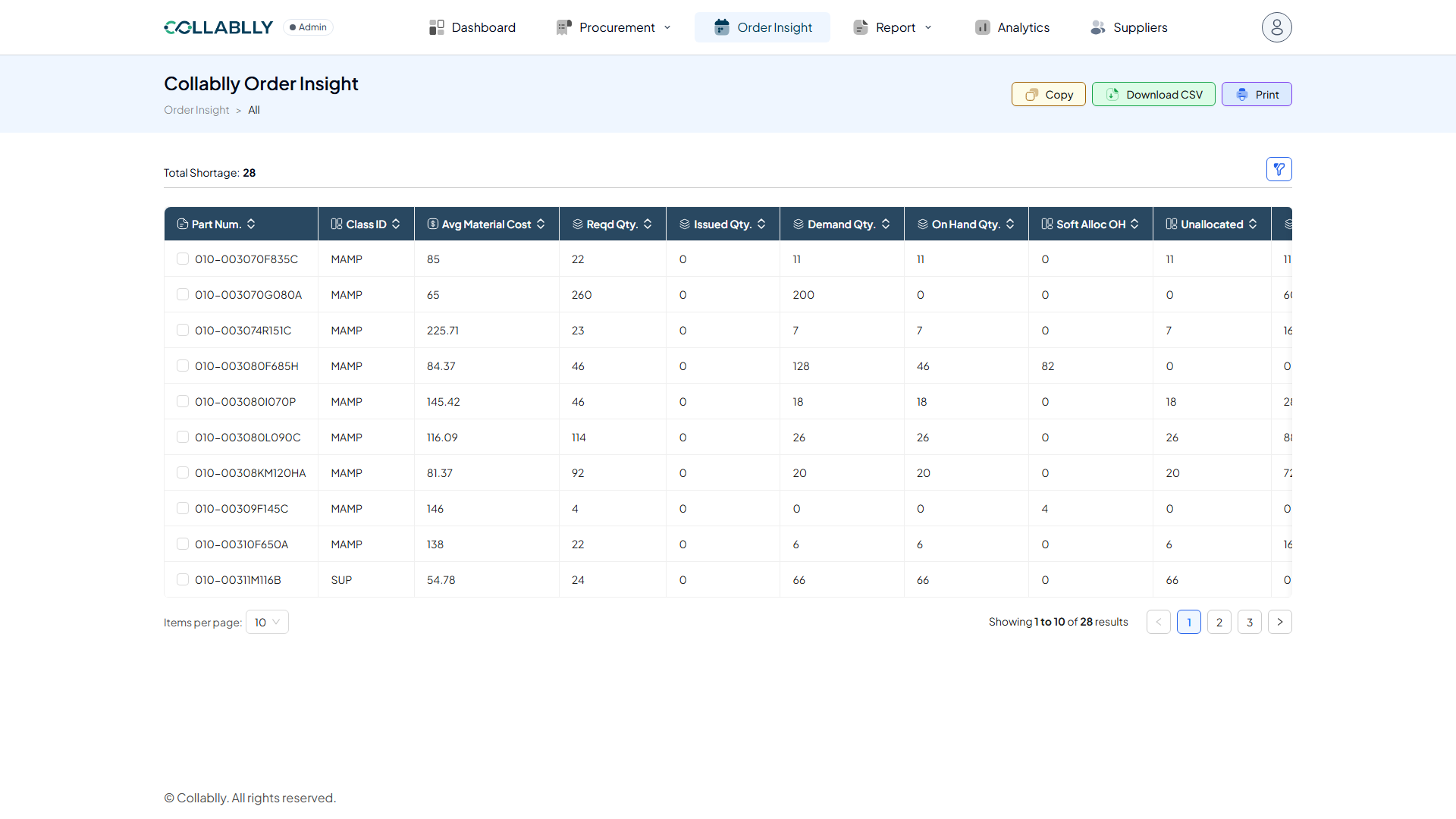
Opens search fields to narrow the list, the same filter pattern used across Collablly SRM.
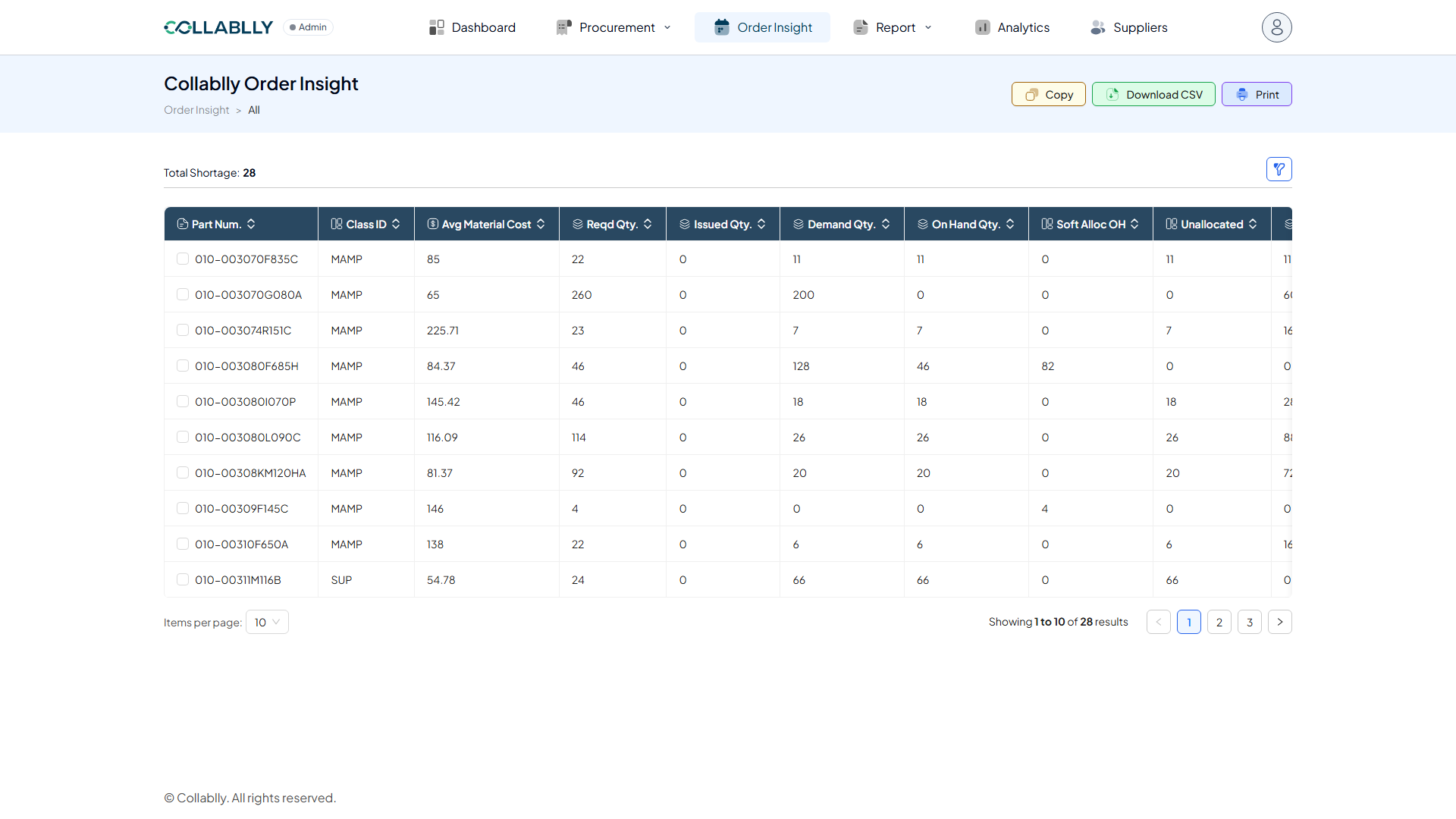
- Step 5 of 23
Copy
Copies the current table to your clipboard, ready to paste into a spreadsheet or email.
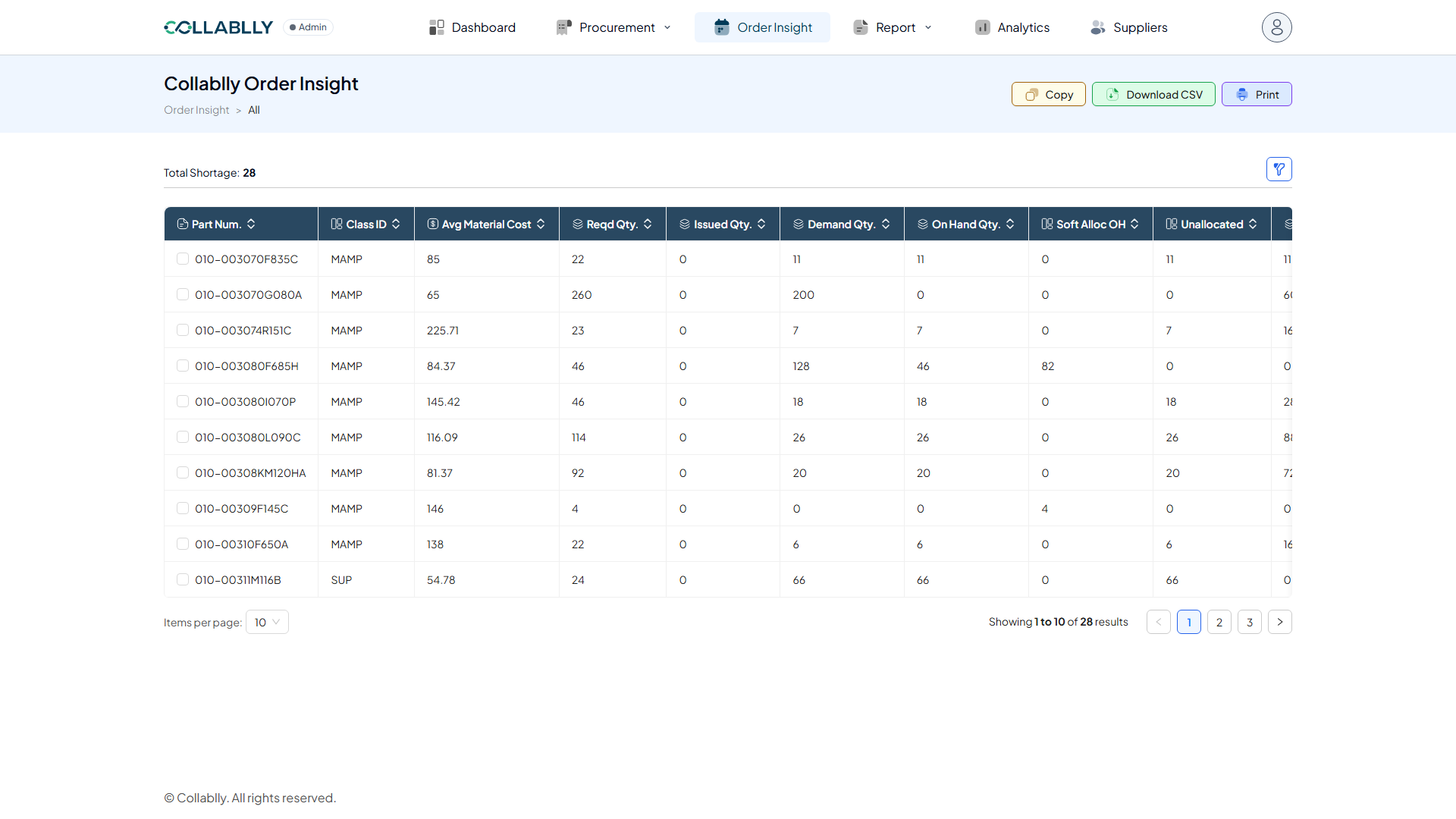
- Step 6 of 23
Download CSV
Exports the current view as a CSV file.
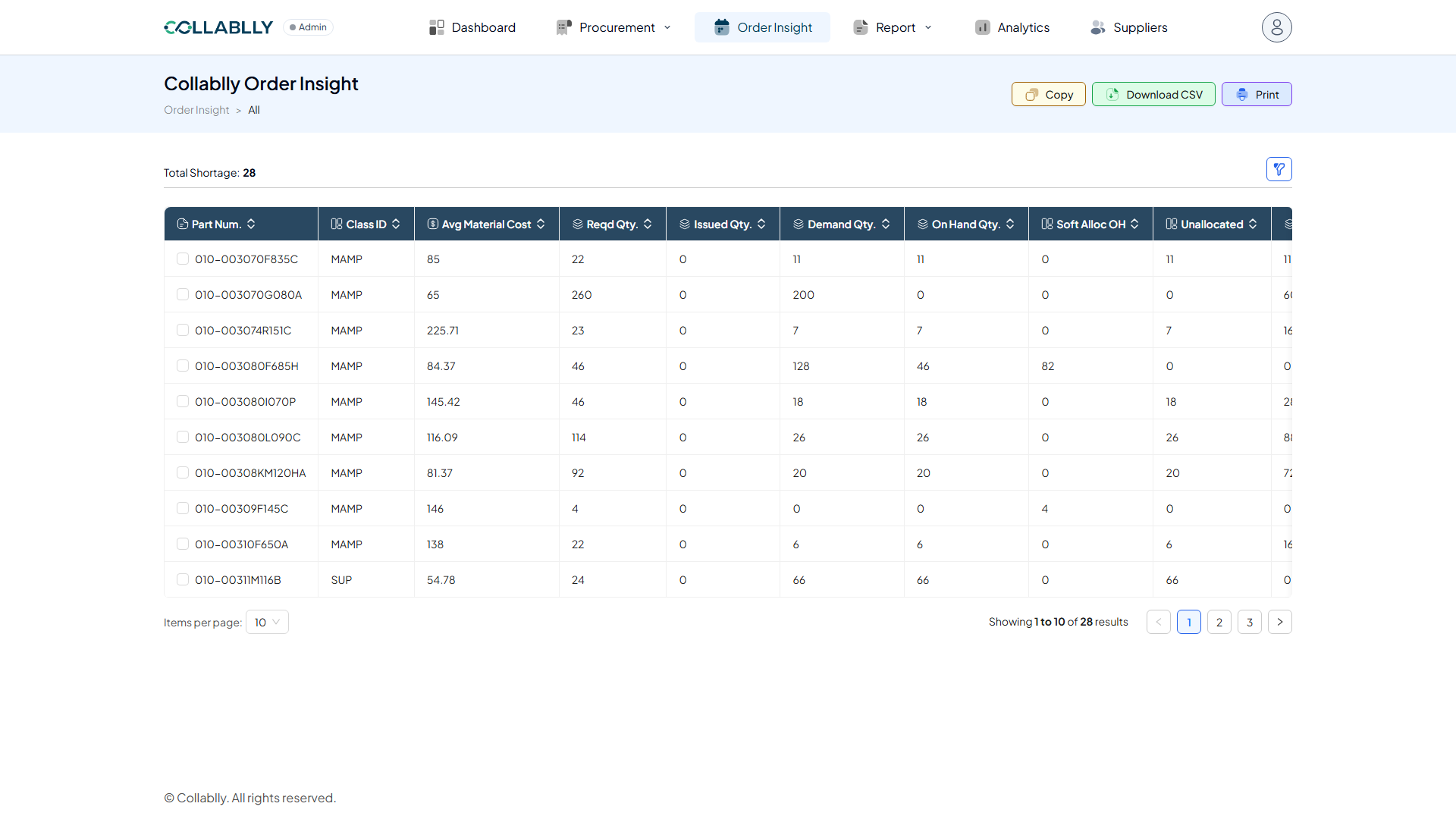
- Step 7 of 23
Print
Opens a print-friendly version of the current table.
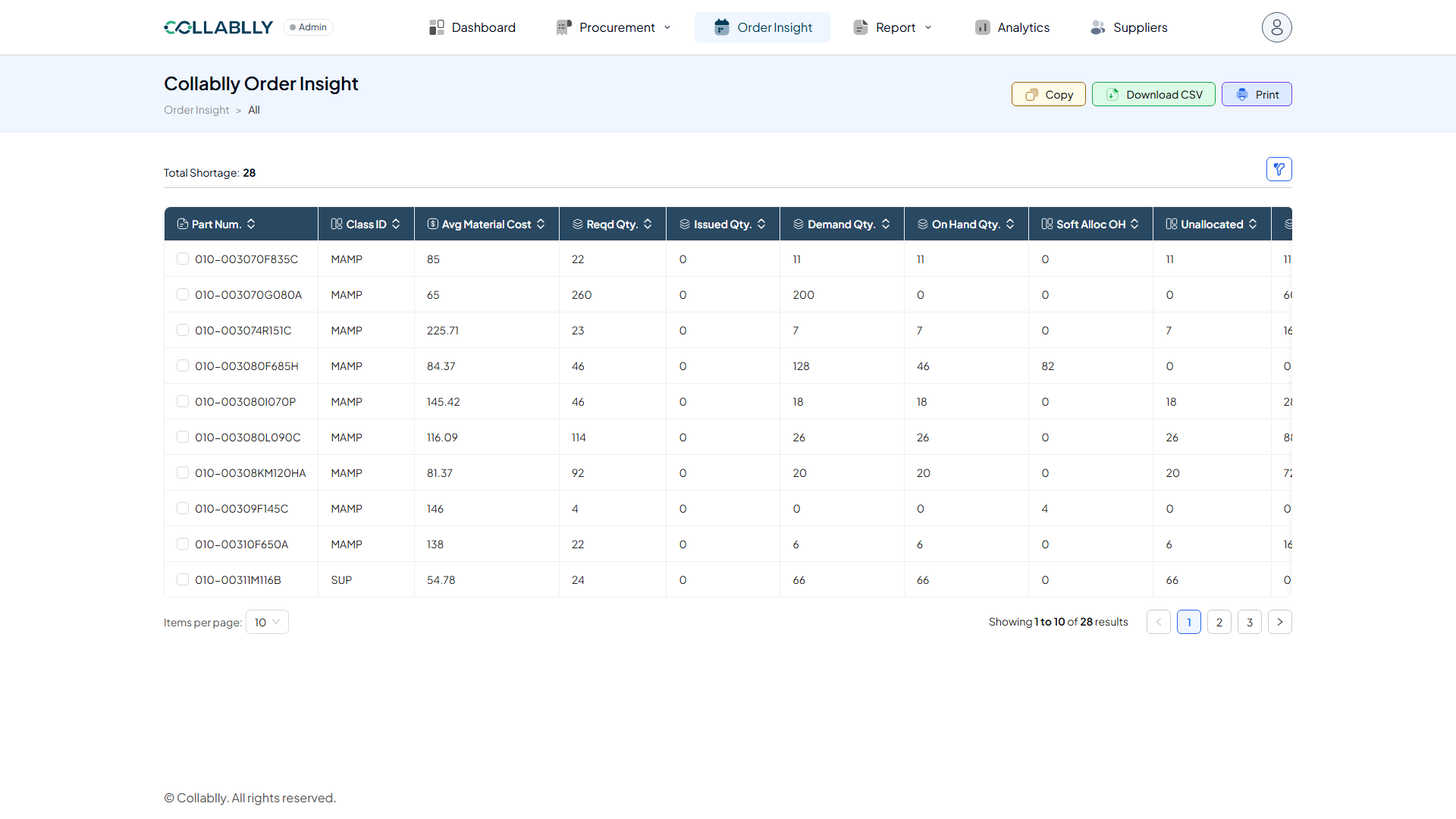
- Step 8 of 23
Column: Part Num.
The part number.
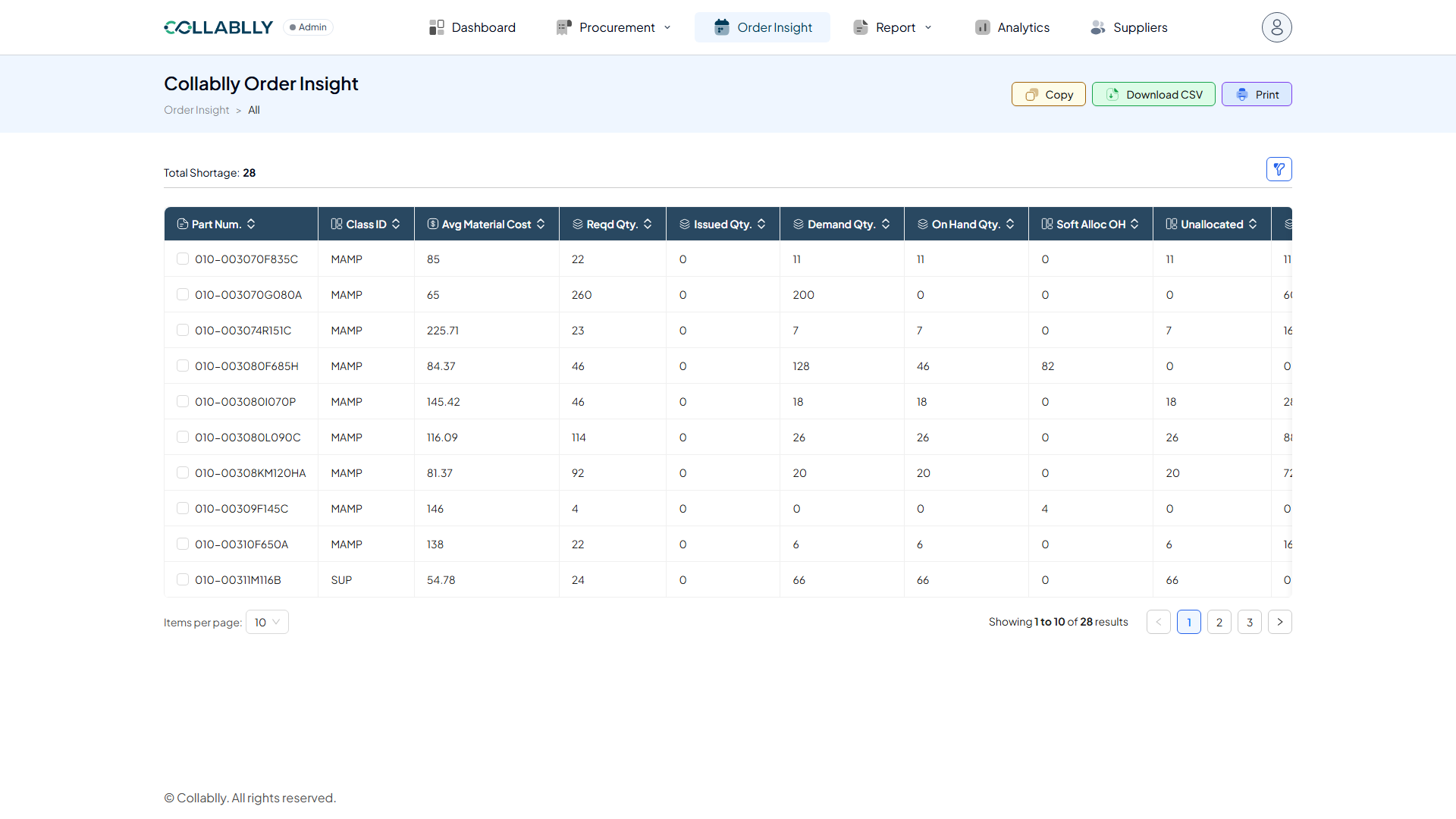
- Step 9 of 23
Column: Class ID
The part’s class ID in the ERP.
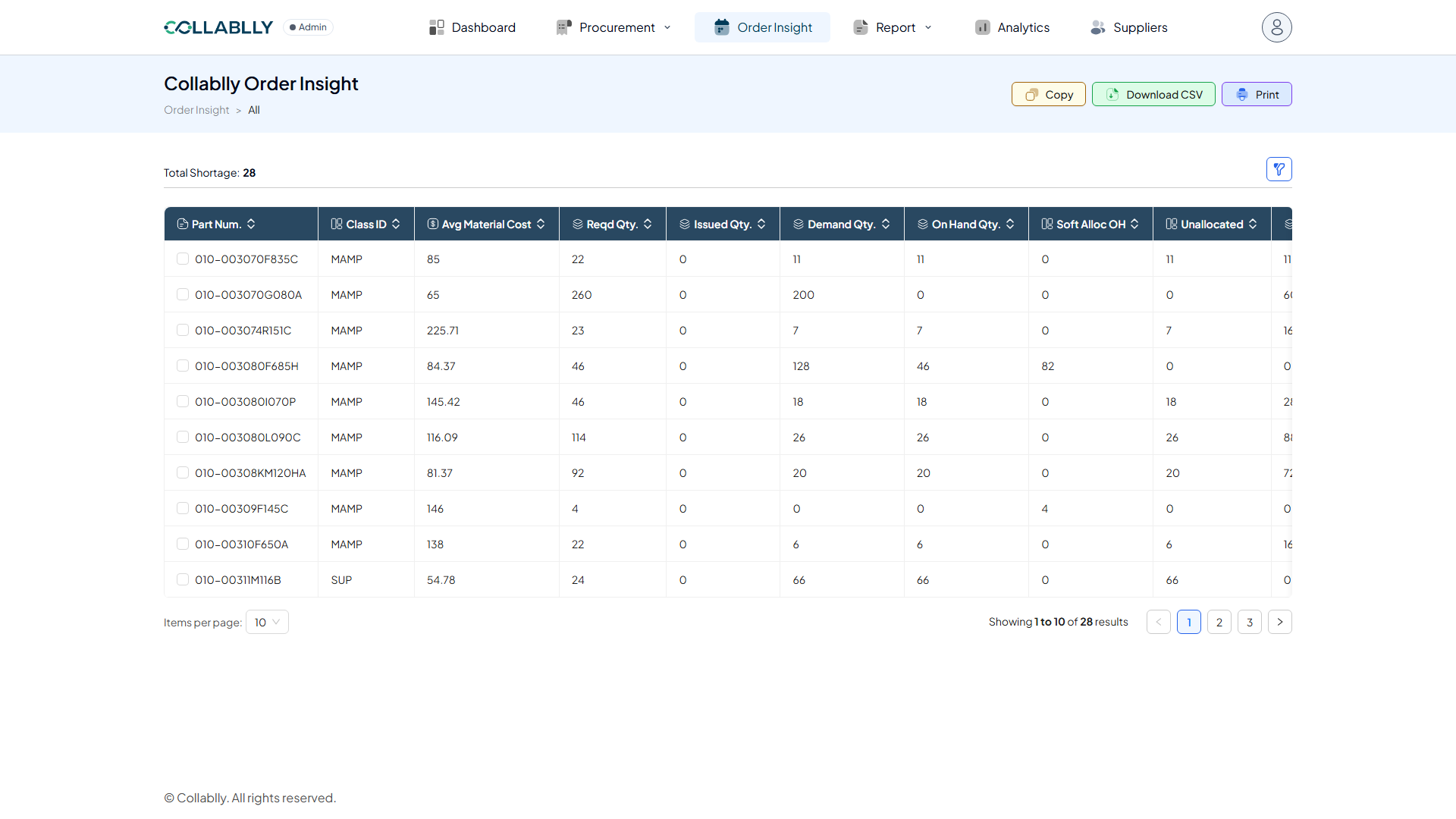
- Step 10 of 23
Column: Avg Material Cost
The average unit material cost for this part.
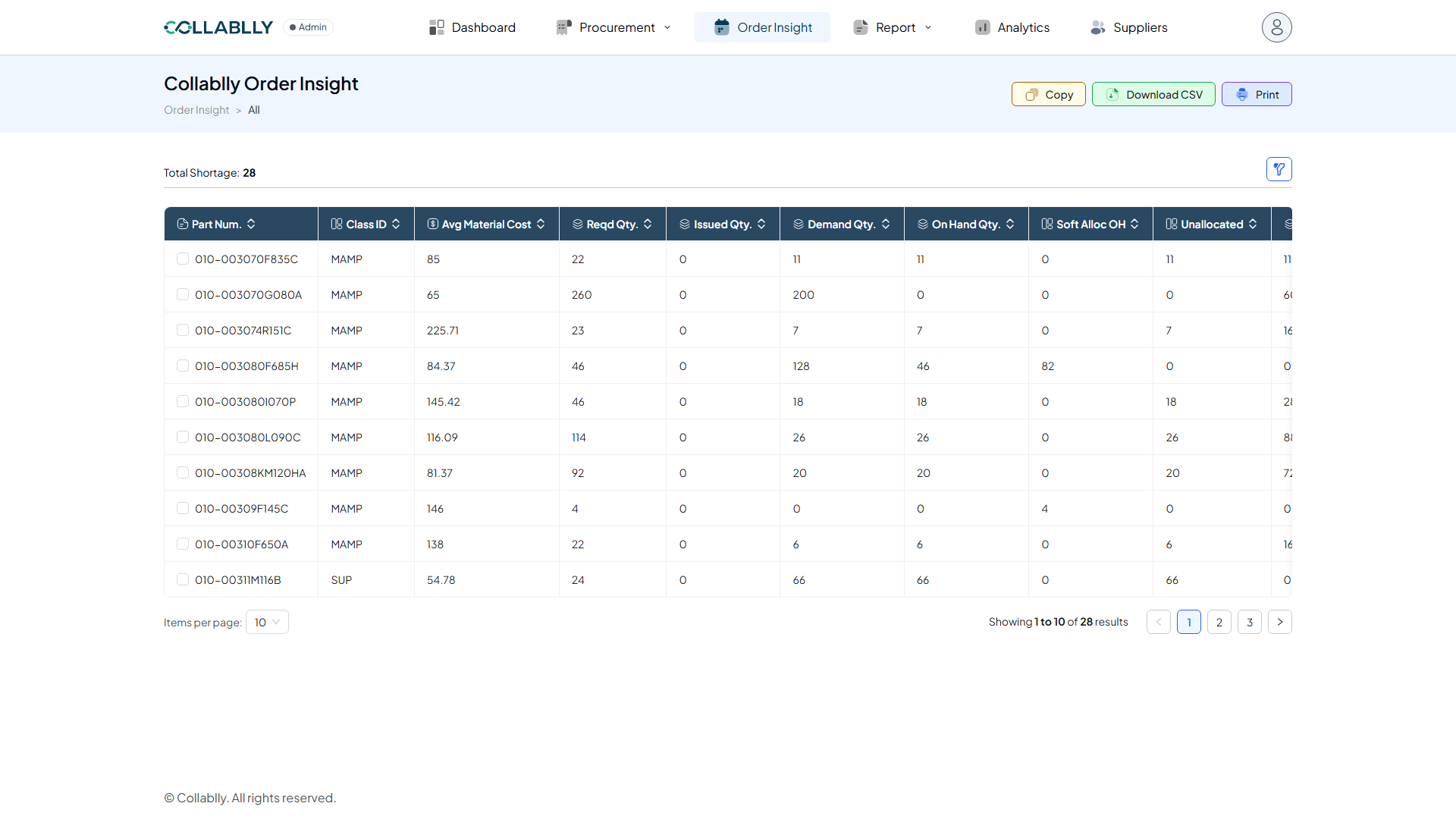
- Step 11 of 23
Column: Reqd Qty. (Required)
The total quantity required to cover open demand for this part.
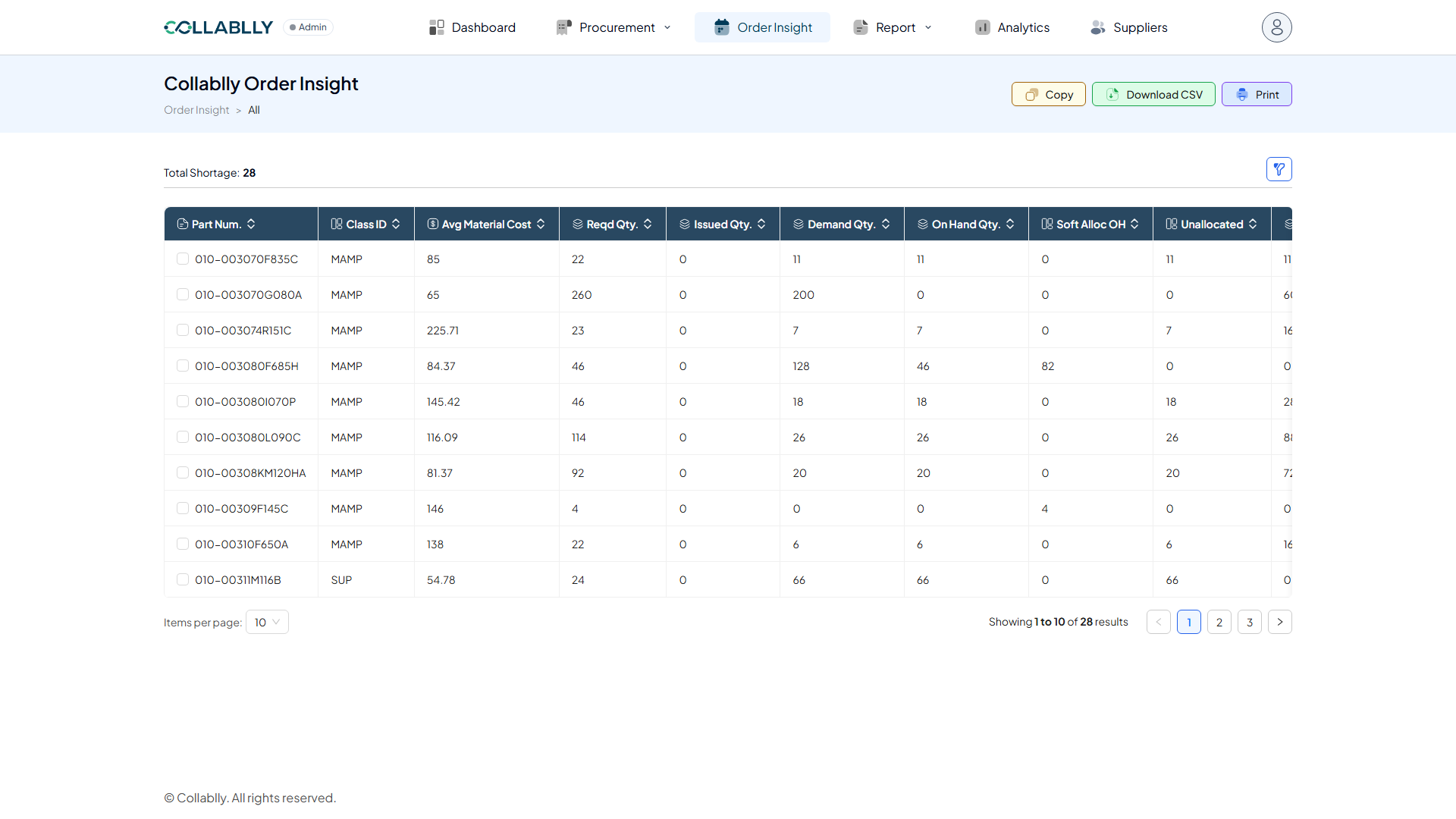
- Step 12 of 23
Column: Issued Qty.
The quantity already issued against that demand.
- Step 13 of 23
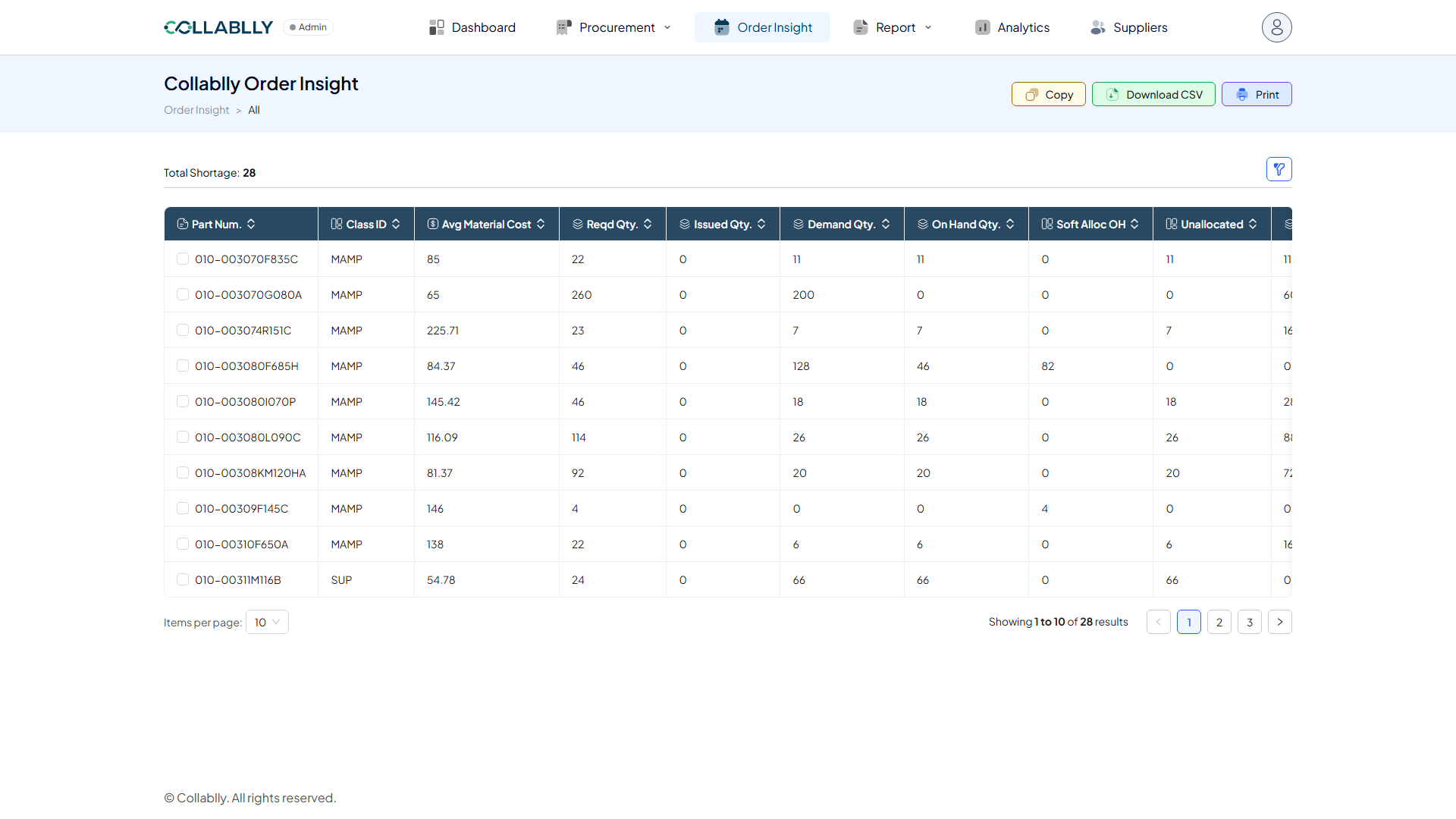
Column: Demand Qty.
The quantity currently in open demand for this part.
- Step 14 of 23
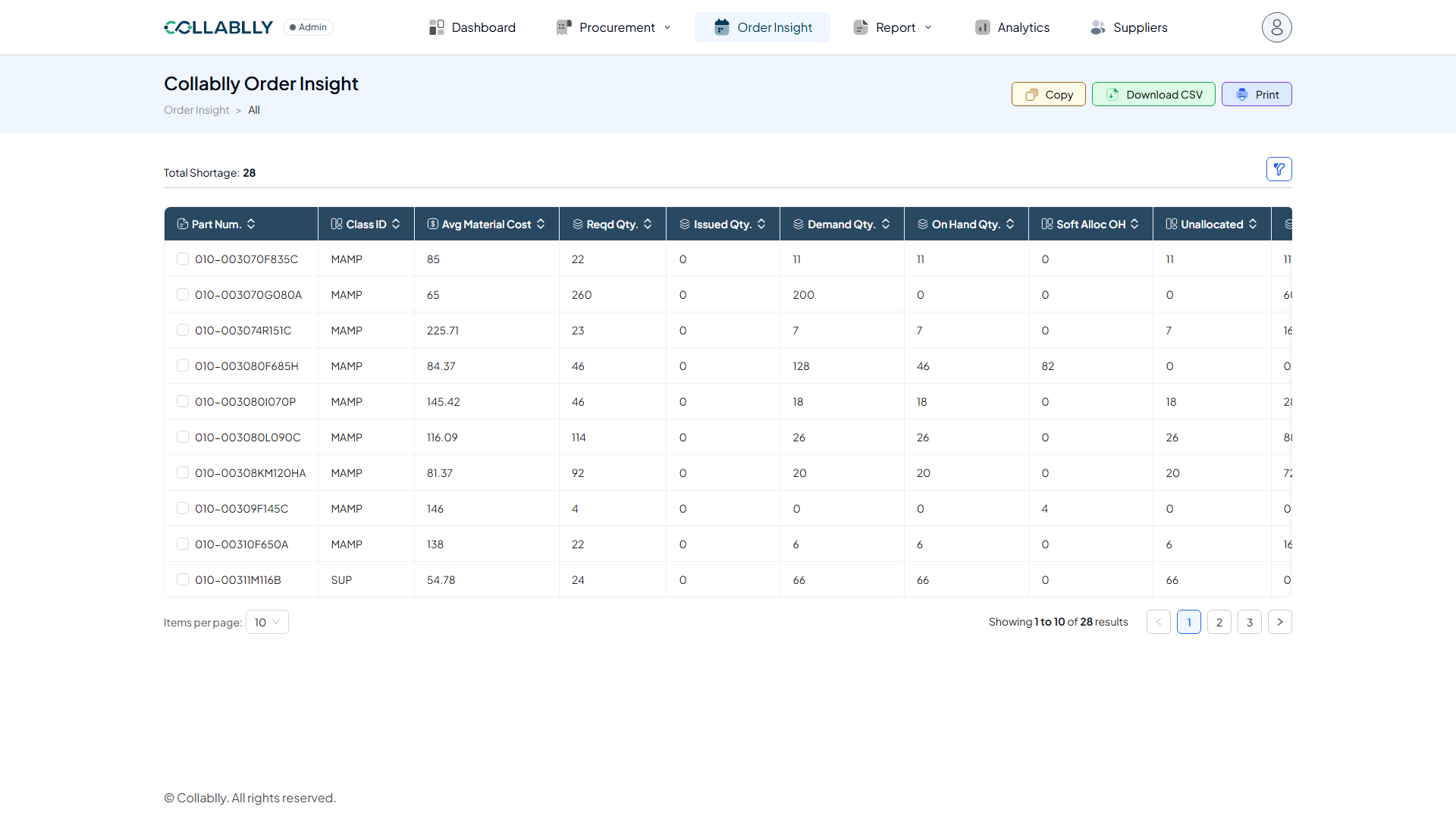
Column: On Hand Qty.
The quantity of this part currently in stock.
- Step 15 of 23
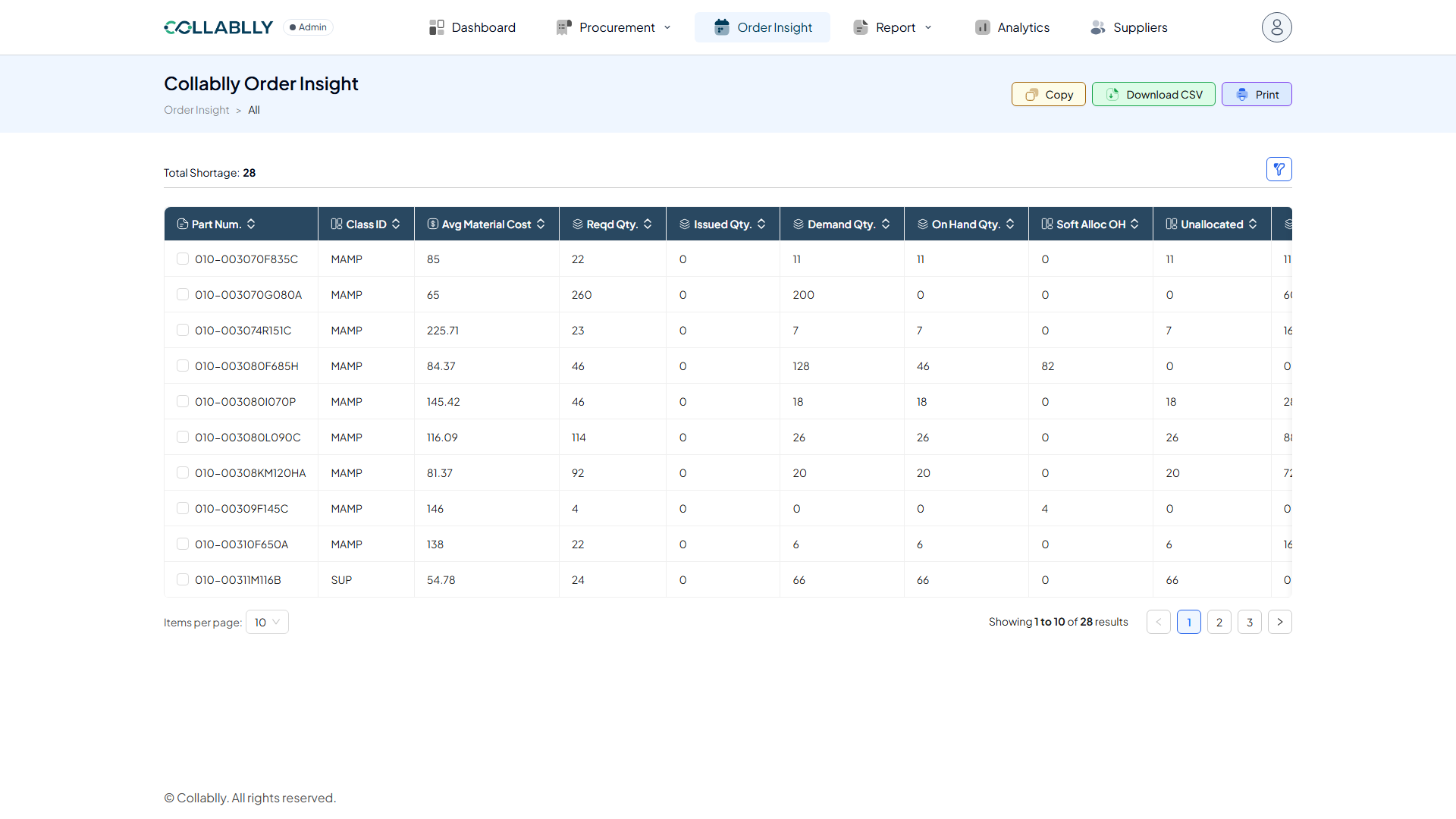
Column: Soft Alloc OH
The quantity of on-hand stock softly allocated (reserved, not yet firmly committed) to a specific demand.
- Step 16 of 23
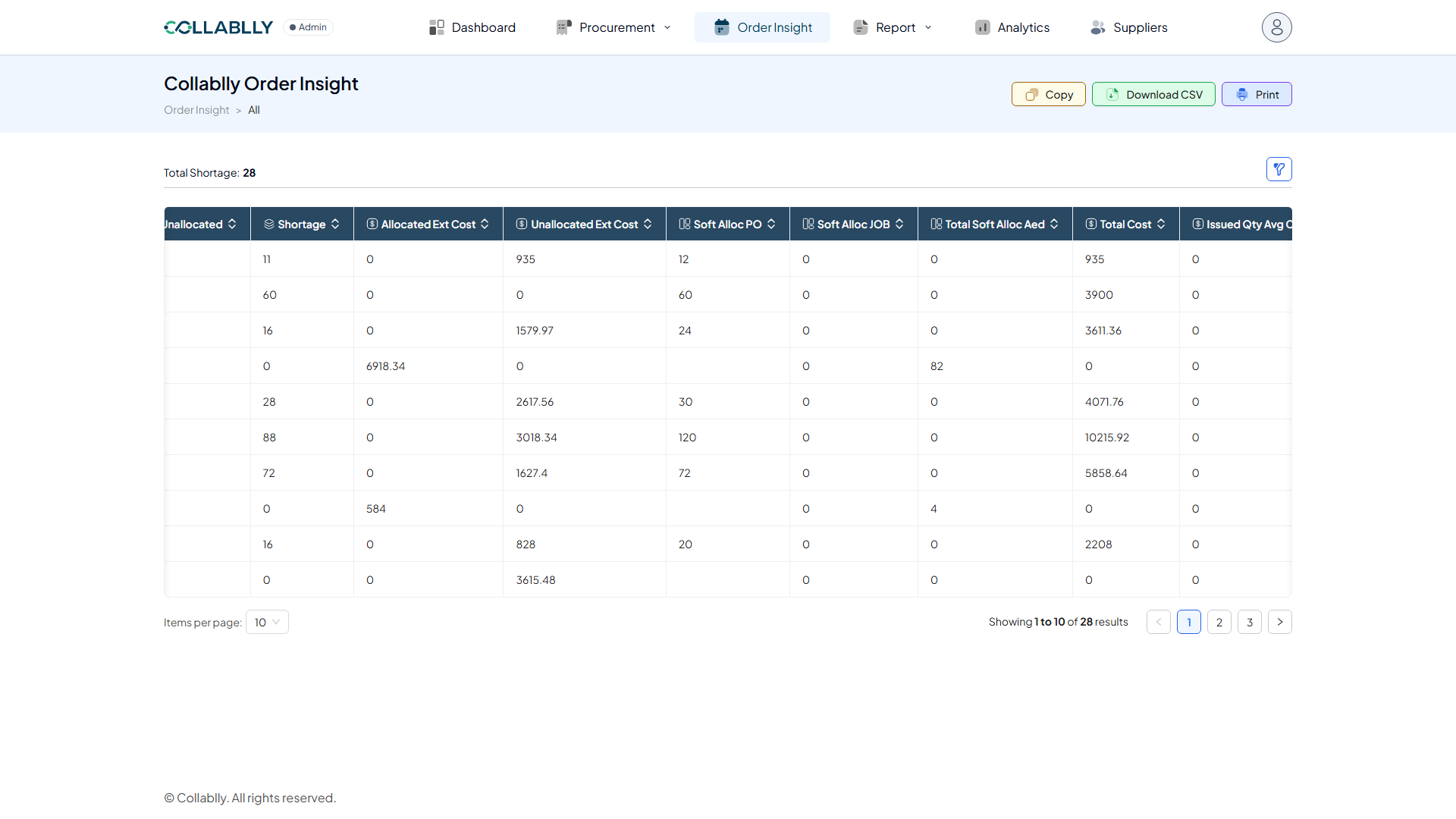
Column: Unallocated
The quantity not yet allocated to any demand.
- Step 17 of 23
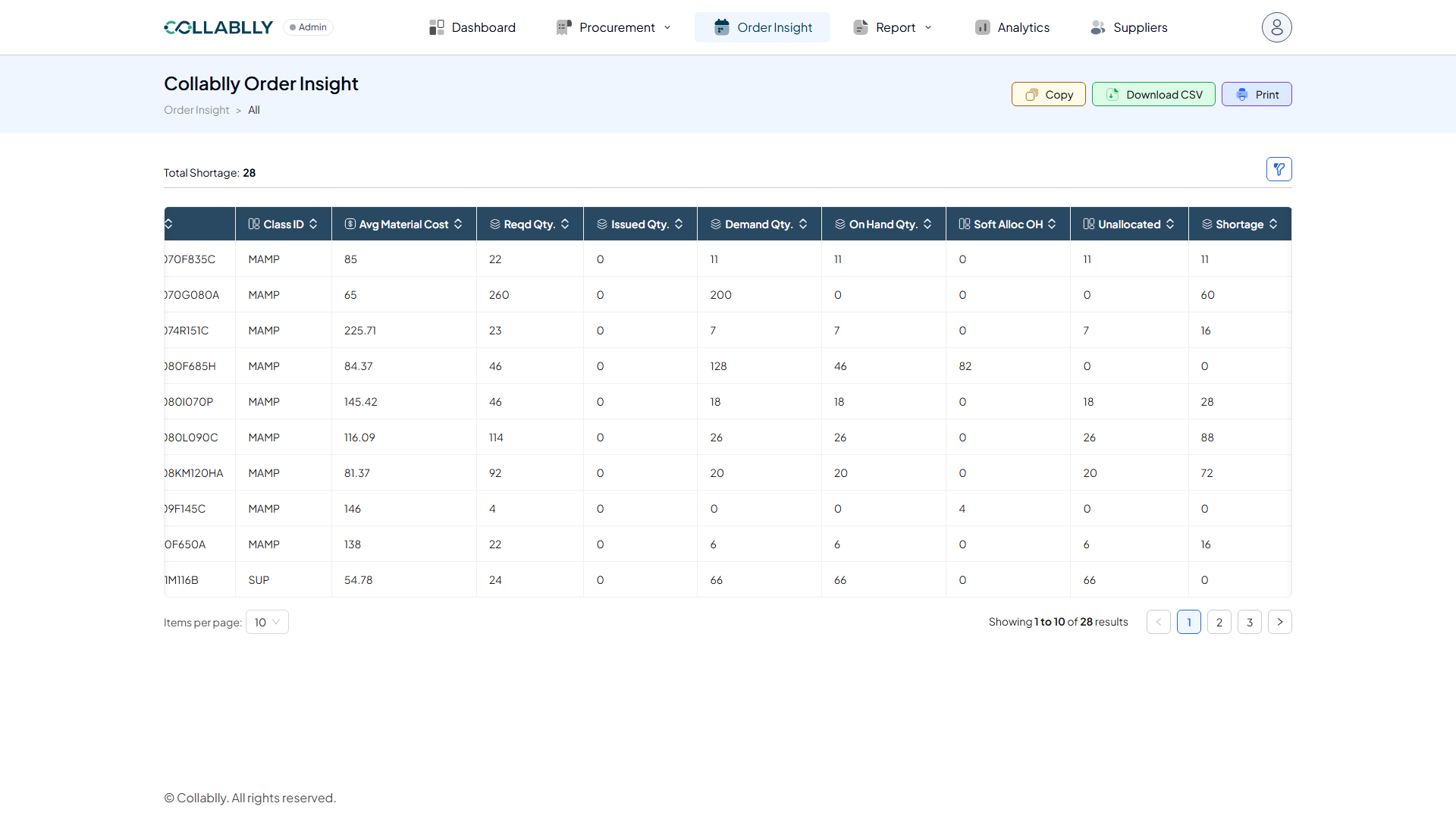
Column: Shortage
The quantity still short after on-hand stock and allocations are applied. Parts with a value here are counted in Total Shortage.
- Step 18 of 23
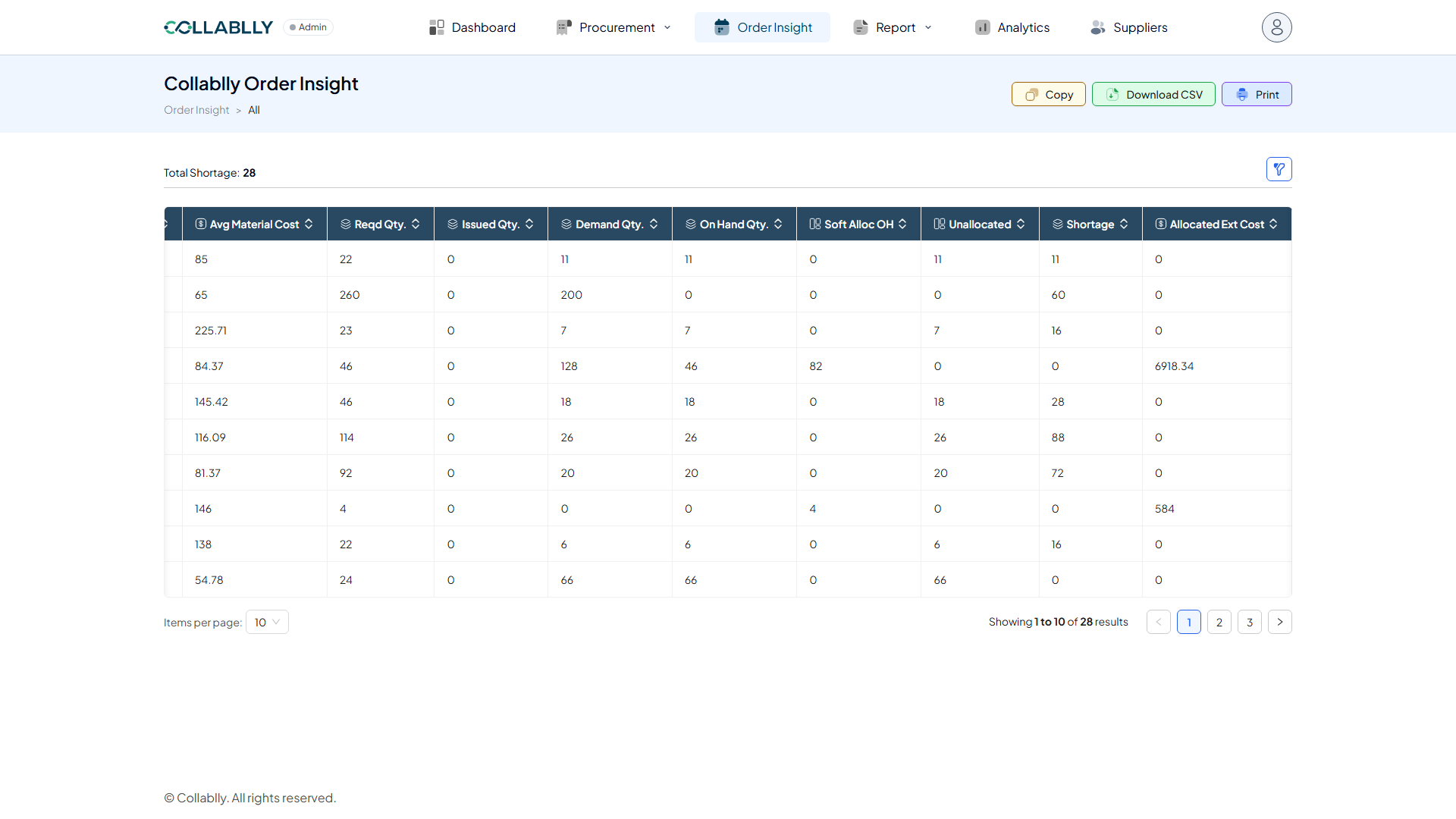
Column: Allocated / Unallocated Ext Cost
The extended cost (quantity × unit cost) of the allocated and unallocated quantities.
- Step 19 of 23
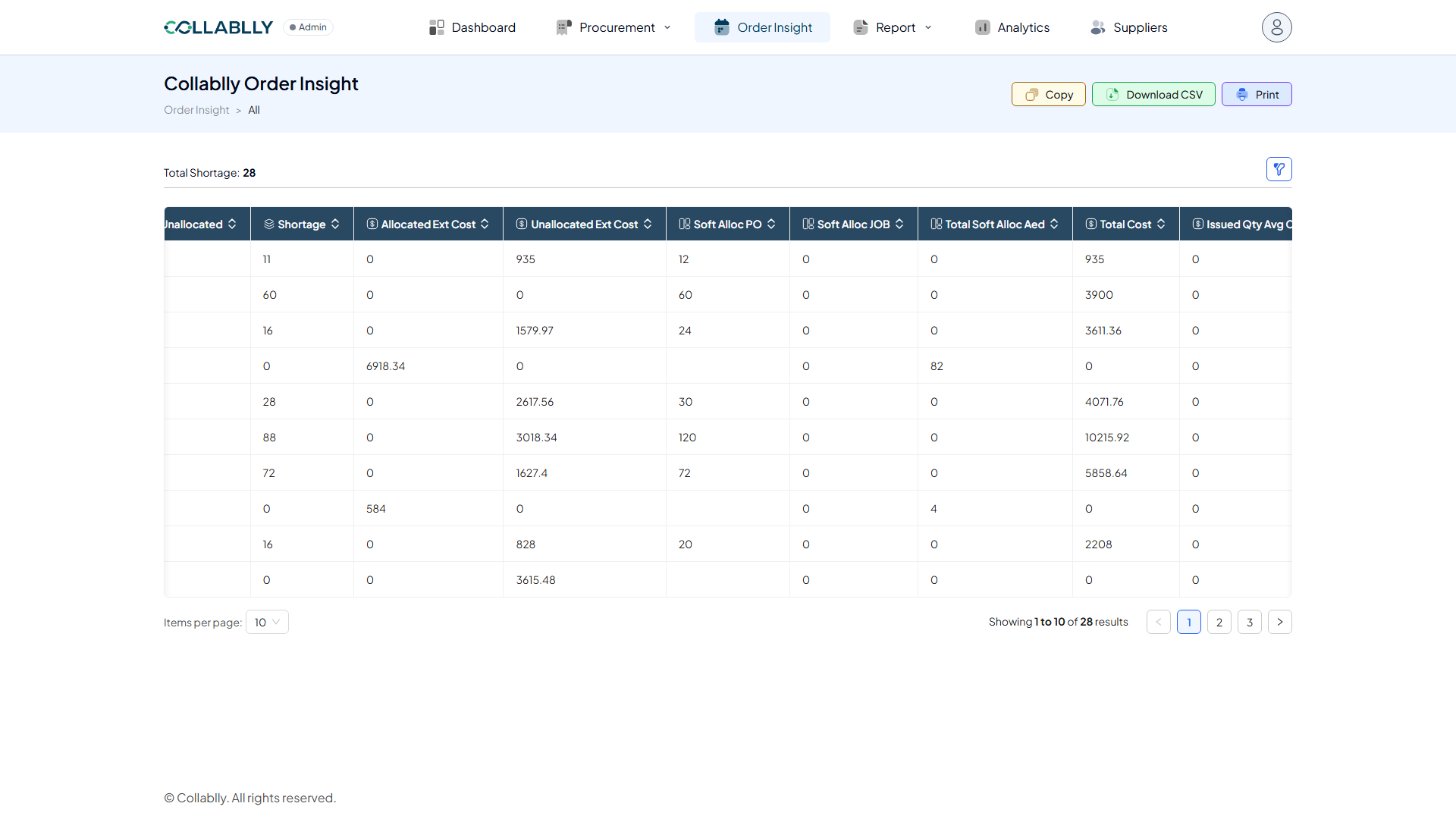
Column: Soft Alloc PO / JOB
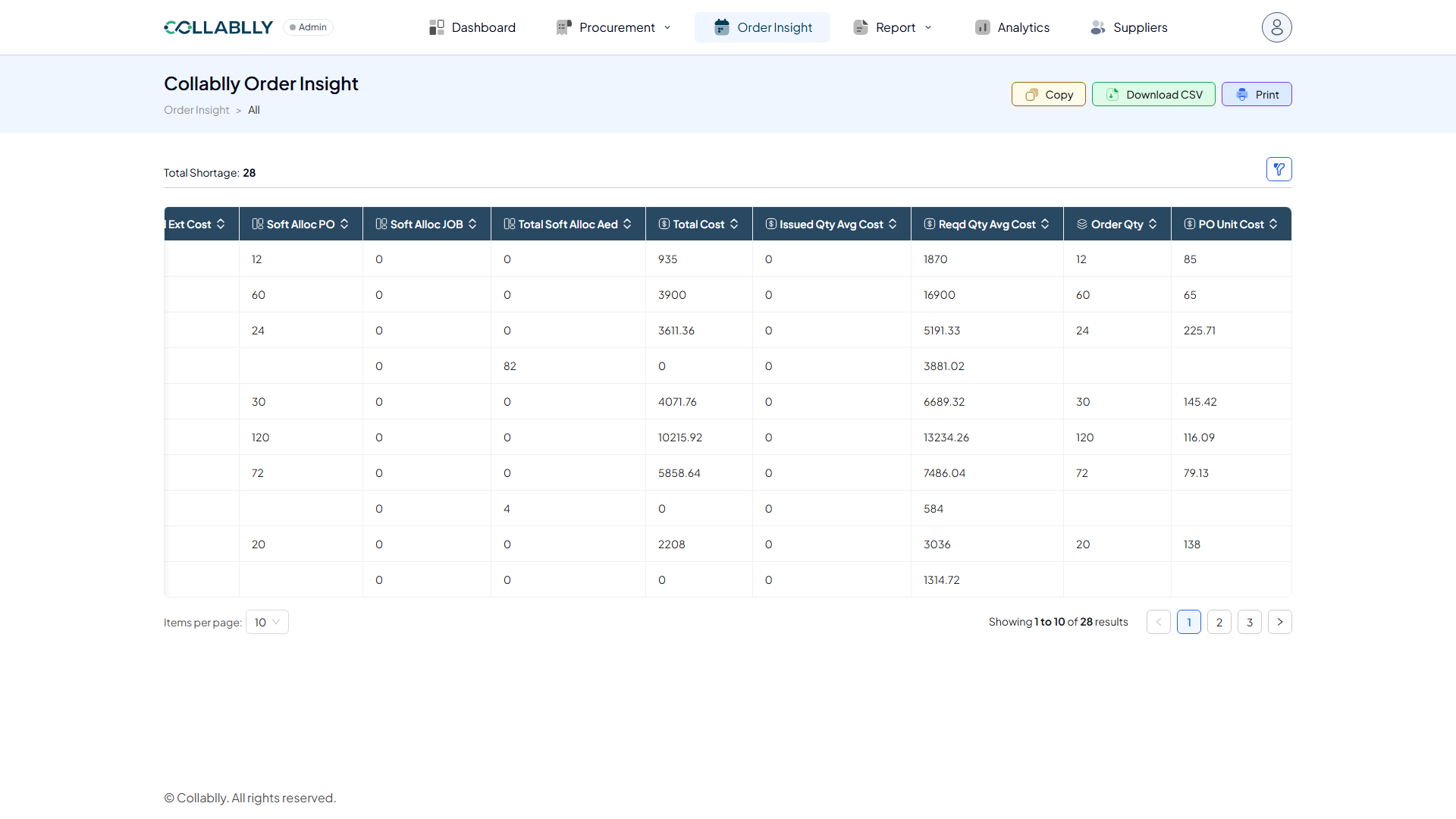
Quantity softly allocated from an open purchase order (Soft Alloc PO) or reserved for a specific job (Soft Alloc JOB).
- Step 20 of 23
Column: Total Soft Alloc
The combined soft-allocated quantity across on-hand stock, open POs, and jobs.
- Step 21 of 23
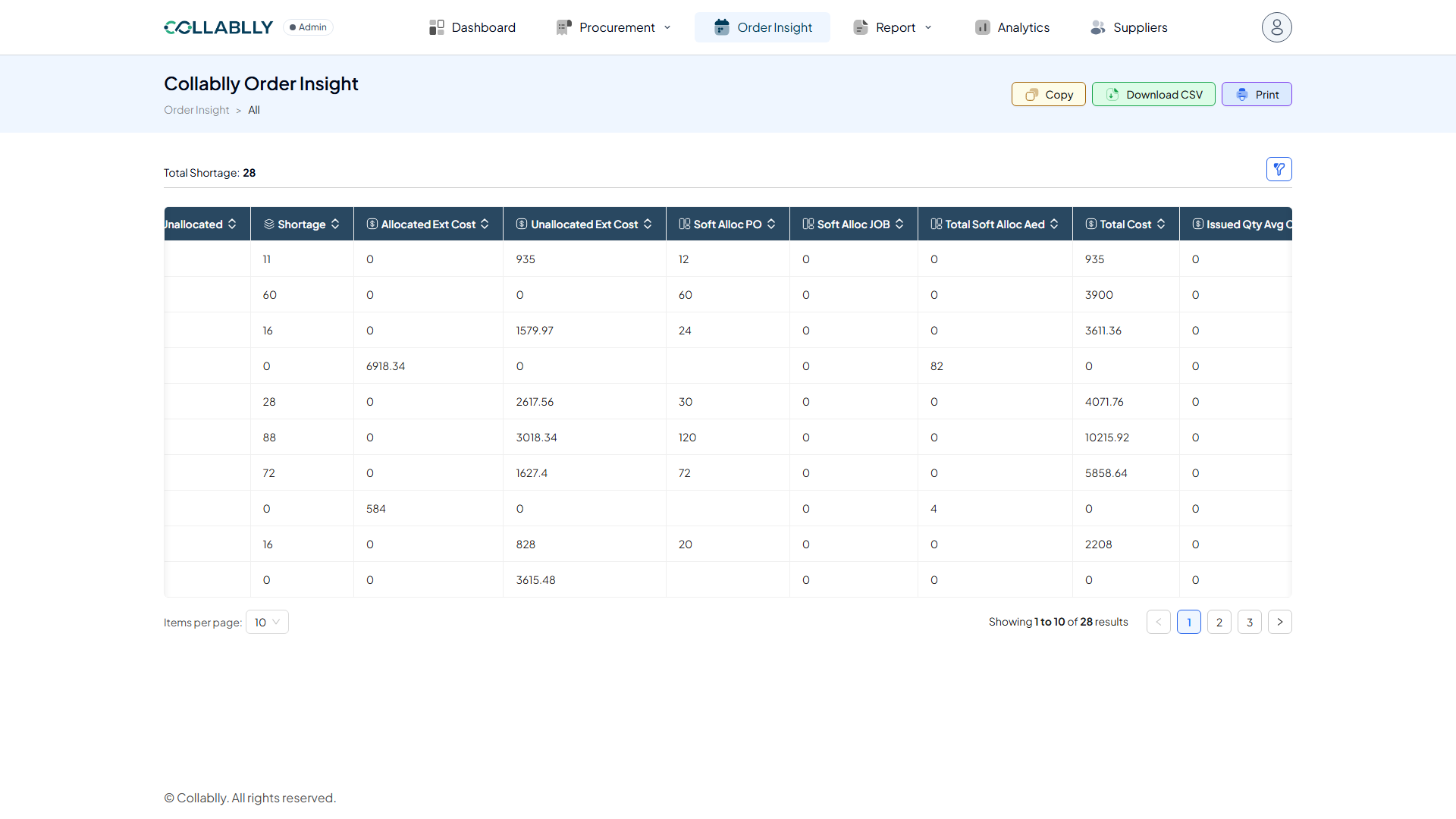
Column: Total Cost
The total cost for this part’s required quantity.
- Step 22 of 23
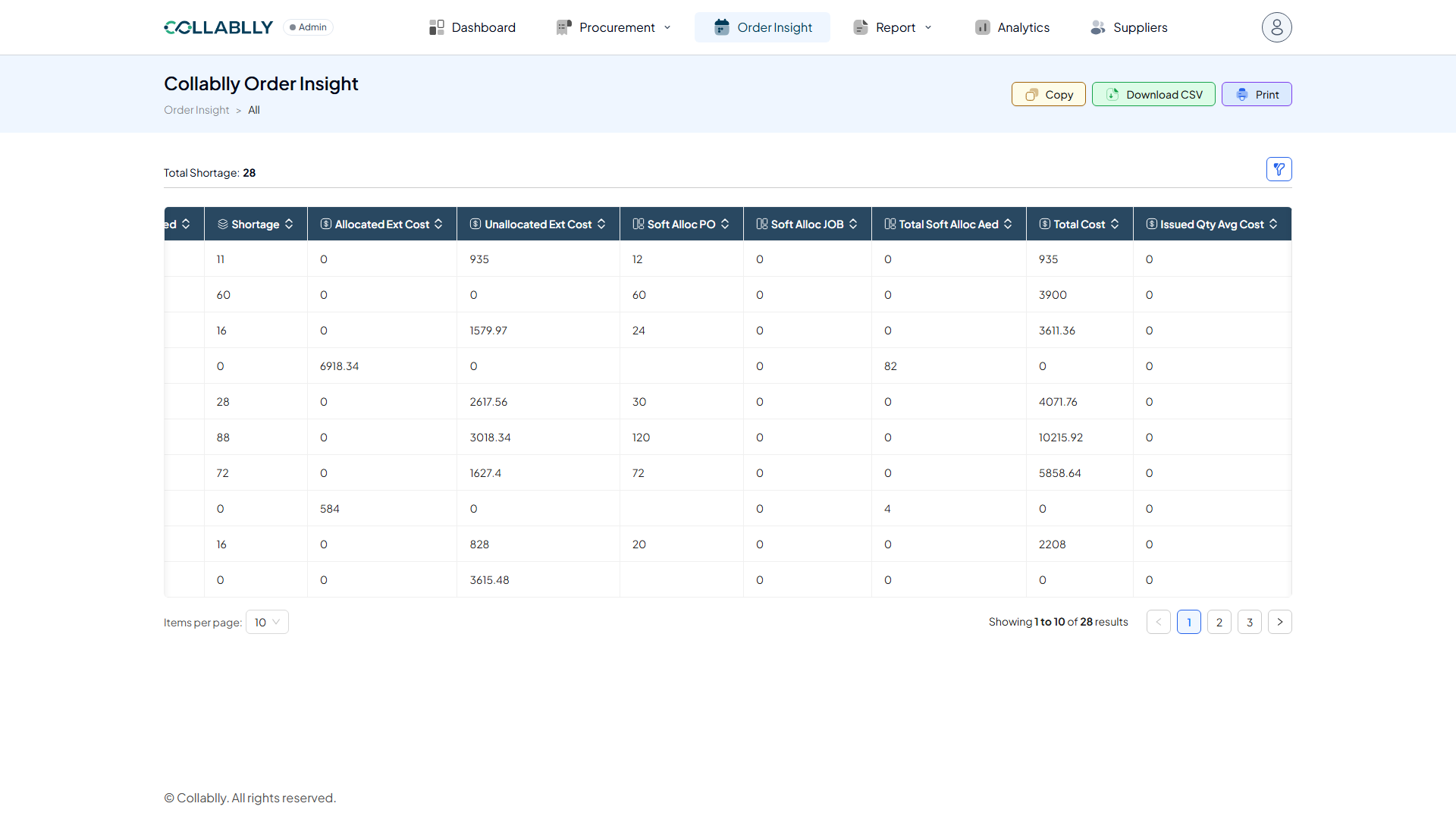
Column: Issued / Reqd Qty Avg Cost
The average cost applied to the issued quantity and to the required quantity, shown side by side.
- Step 23 of 23
Column: Order Qty / PO Unit Cost
The quantity currently on order, and the unit cost on that purchase order.