- Step 1 of 9
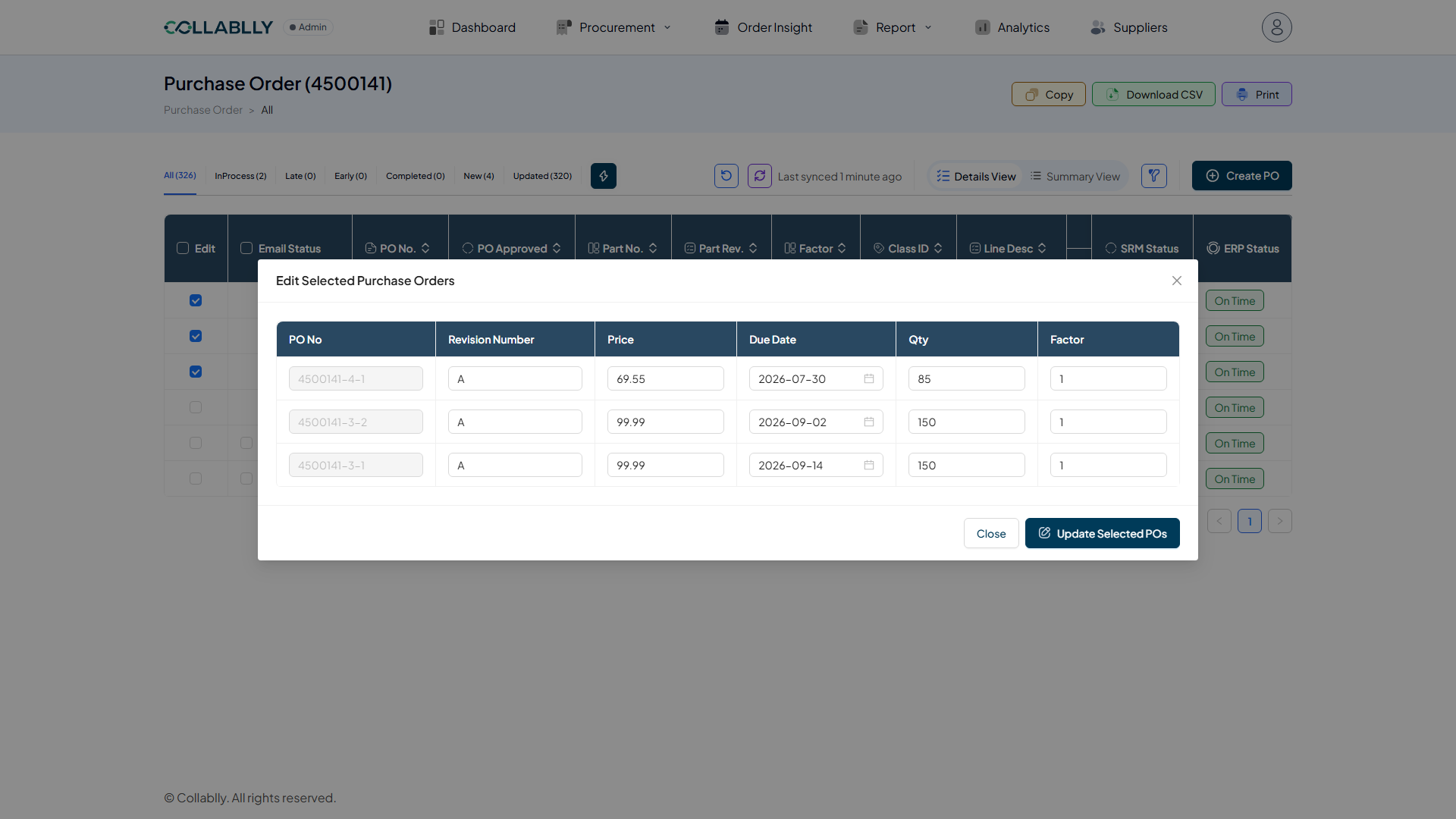
Select one or more lines
In a PO's Details View, check the Edit box beside any line, or several. A lightning-bolt button appears in the toolbar next to the status tabs once at least one is selected.
- Step 2 of 9
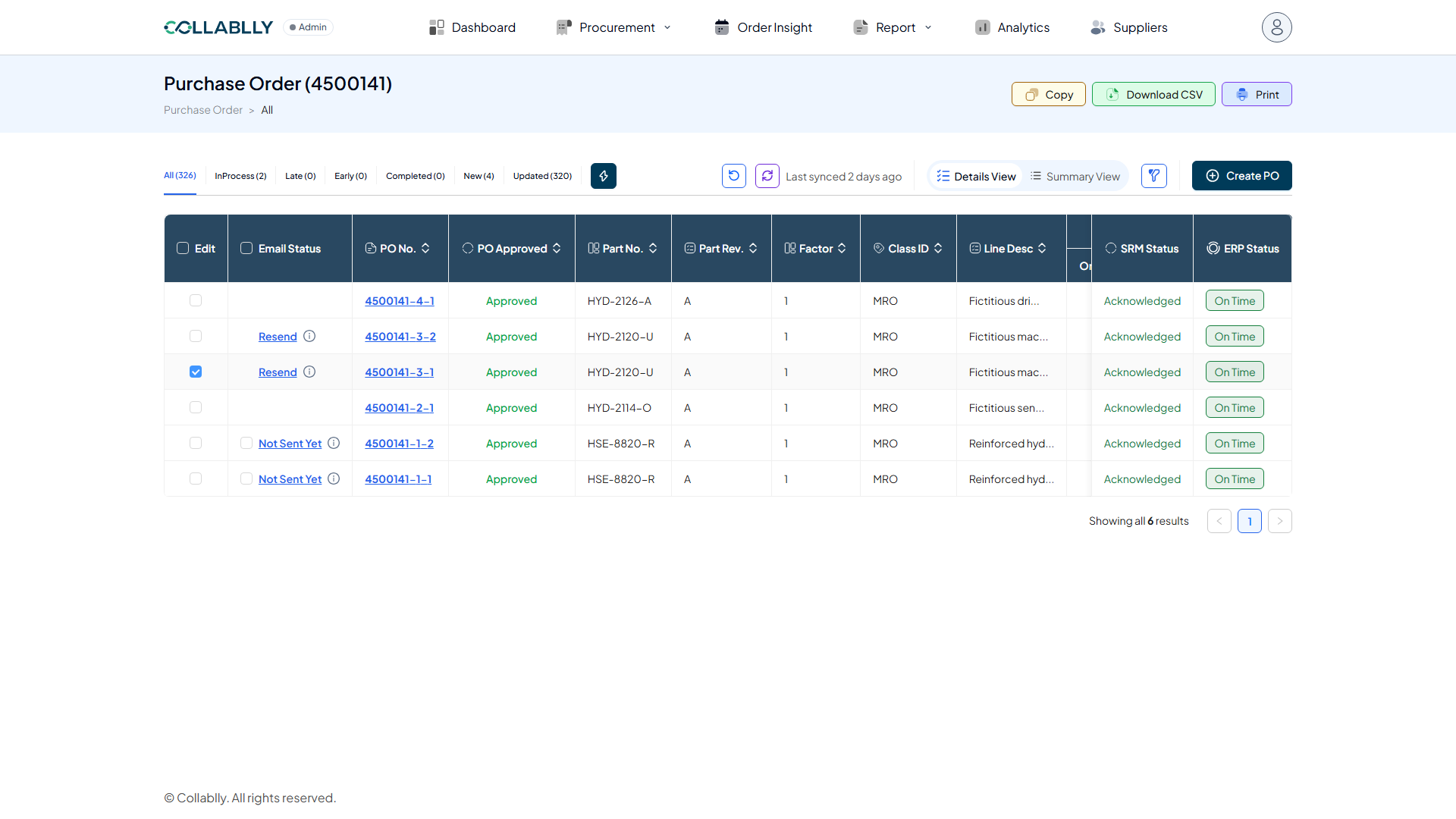
Open Edit Selected Purchase Orders
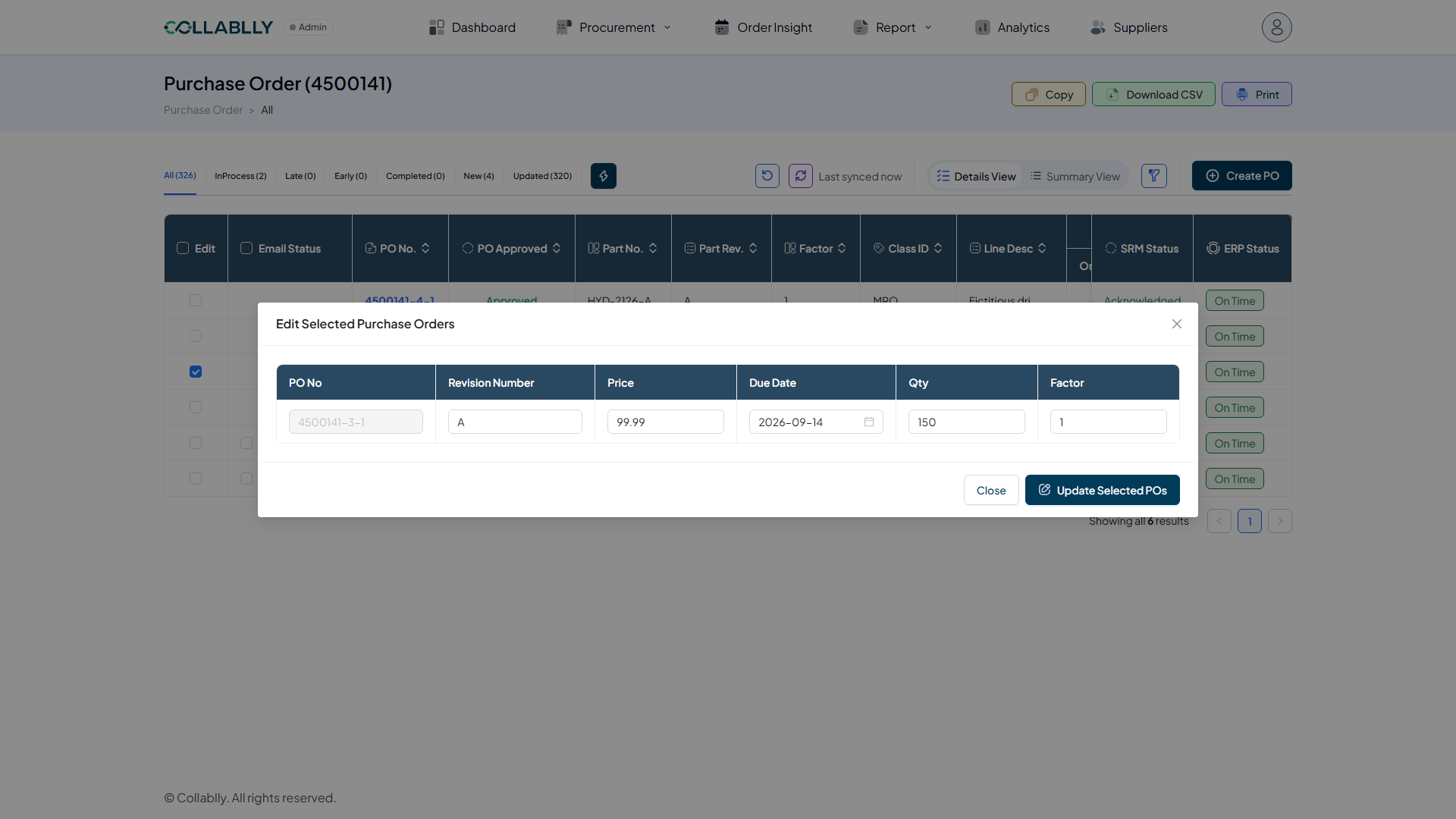
One row per selected line: PO No (fixed, for reference), and editable Revision Number, Price, Due Date, Qty, and Factor.
- Step 3 of 9
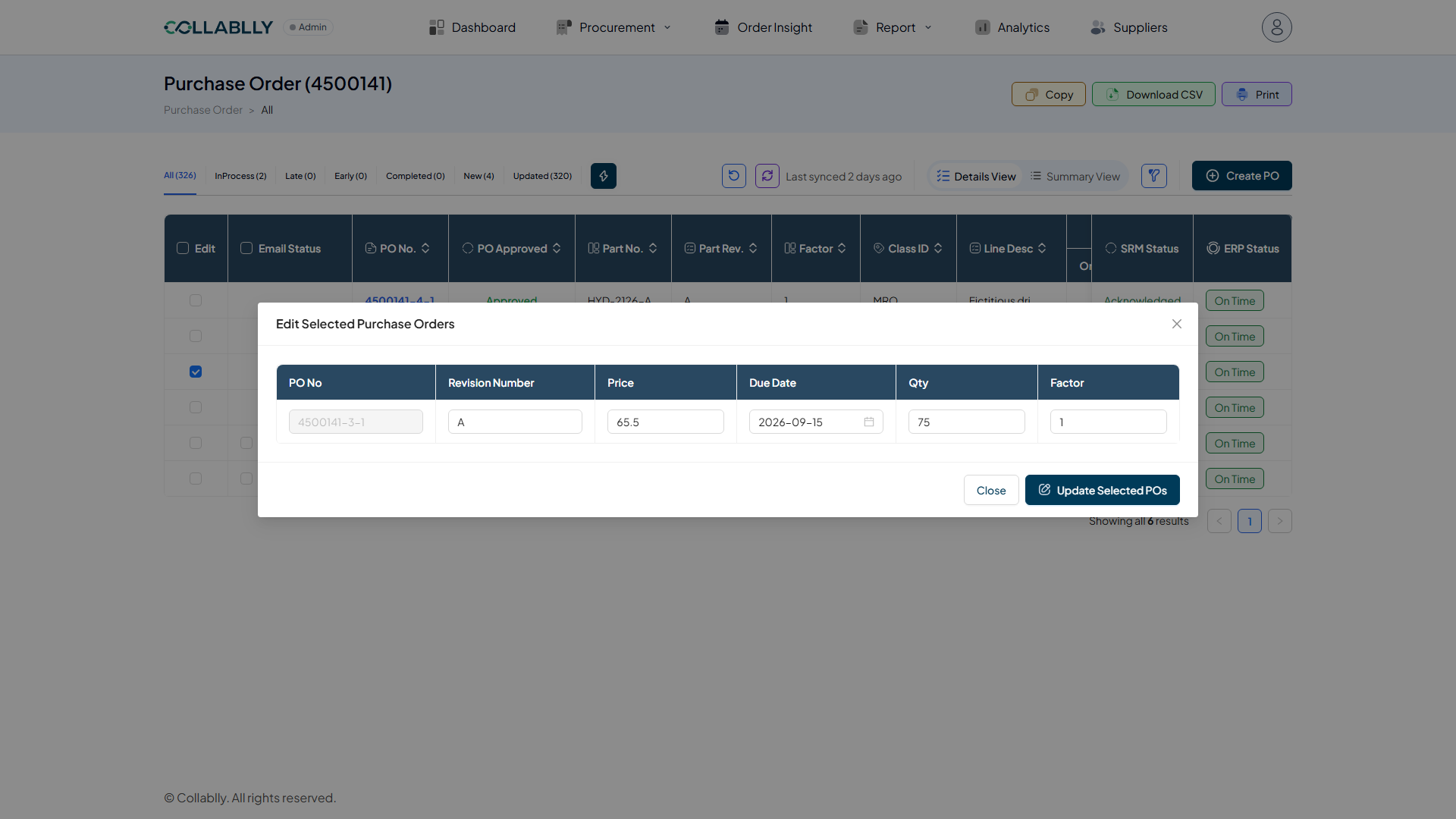
Change any field
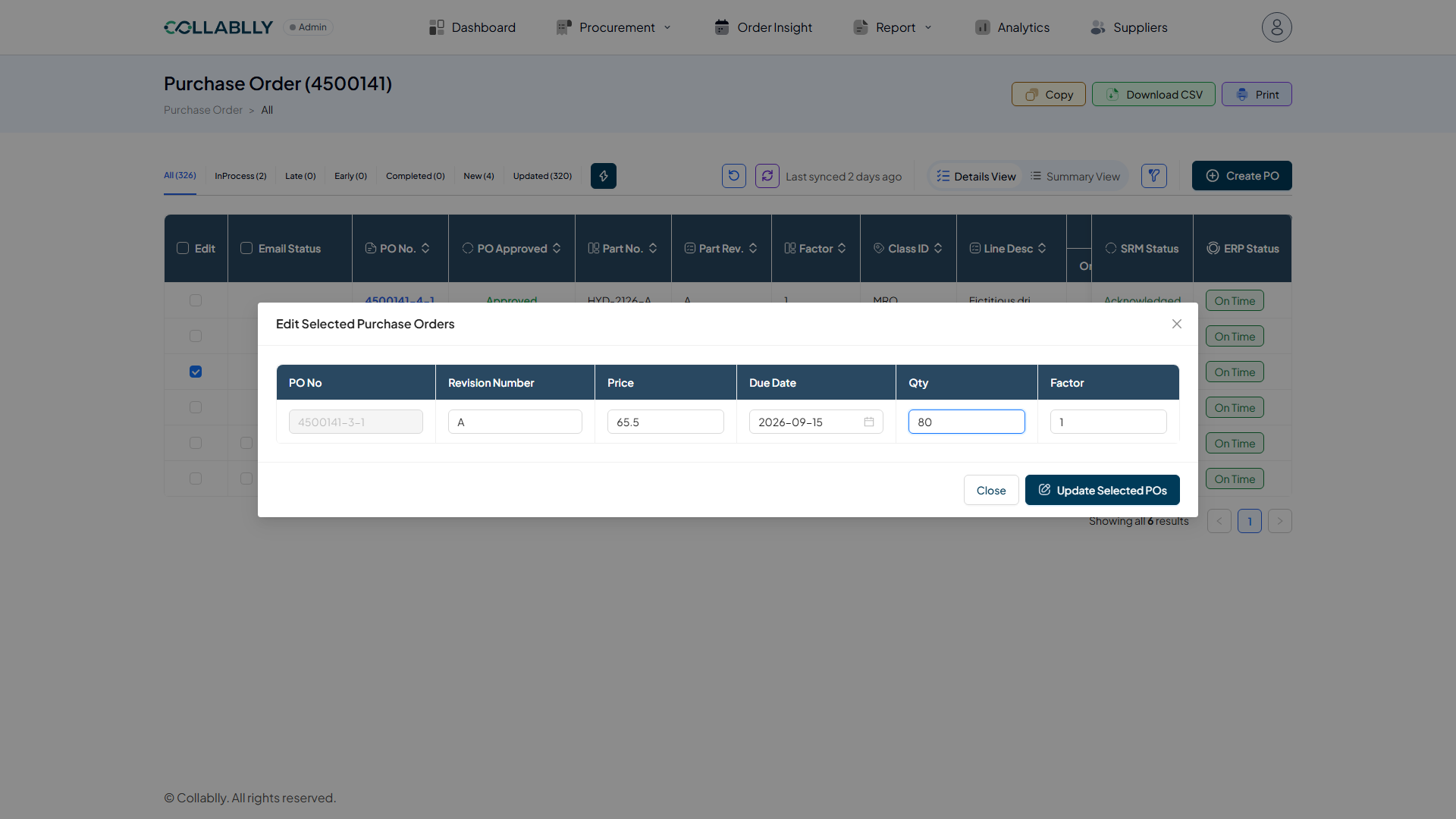
Update Price, Due Date, Qty, Revision Number, or Factor directly in the table. Here Qty changes from 75 to 80.
- Step 4 of 9
Update Selected POs
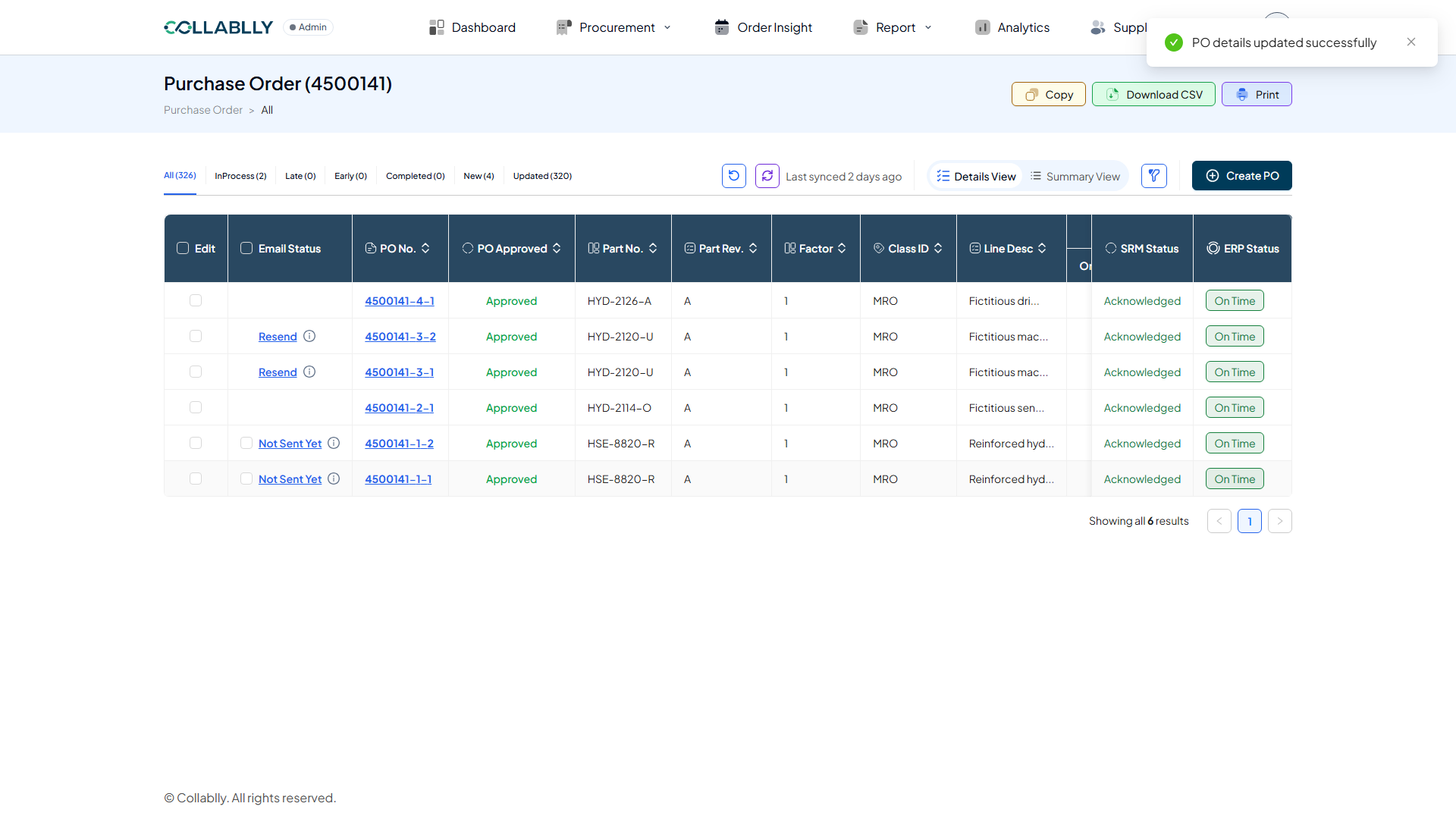
"PO details updated successfully." That confirms the change was accepted, not that it's visible yet, the next phase covers why.
- Step 5 of 9
It's not live yet, sync first
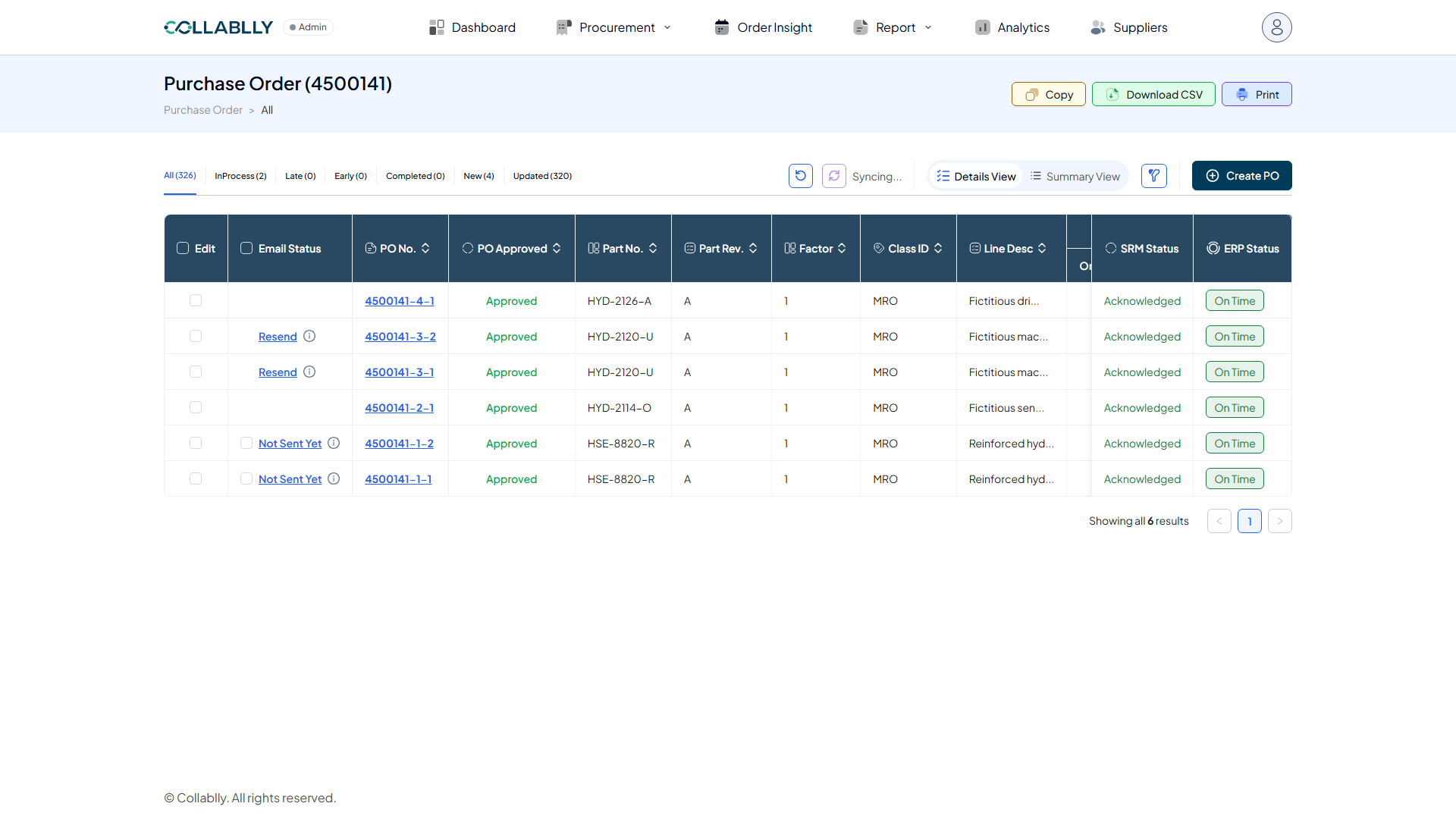
This edit writes through to the ERP system first. Collablly's own database won't show it until the next sync. Click Sync (next to Reload Data) and wait, the timestamp will read Last synced now once it's done.
- Step 6 of 9
Then Reload Data
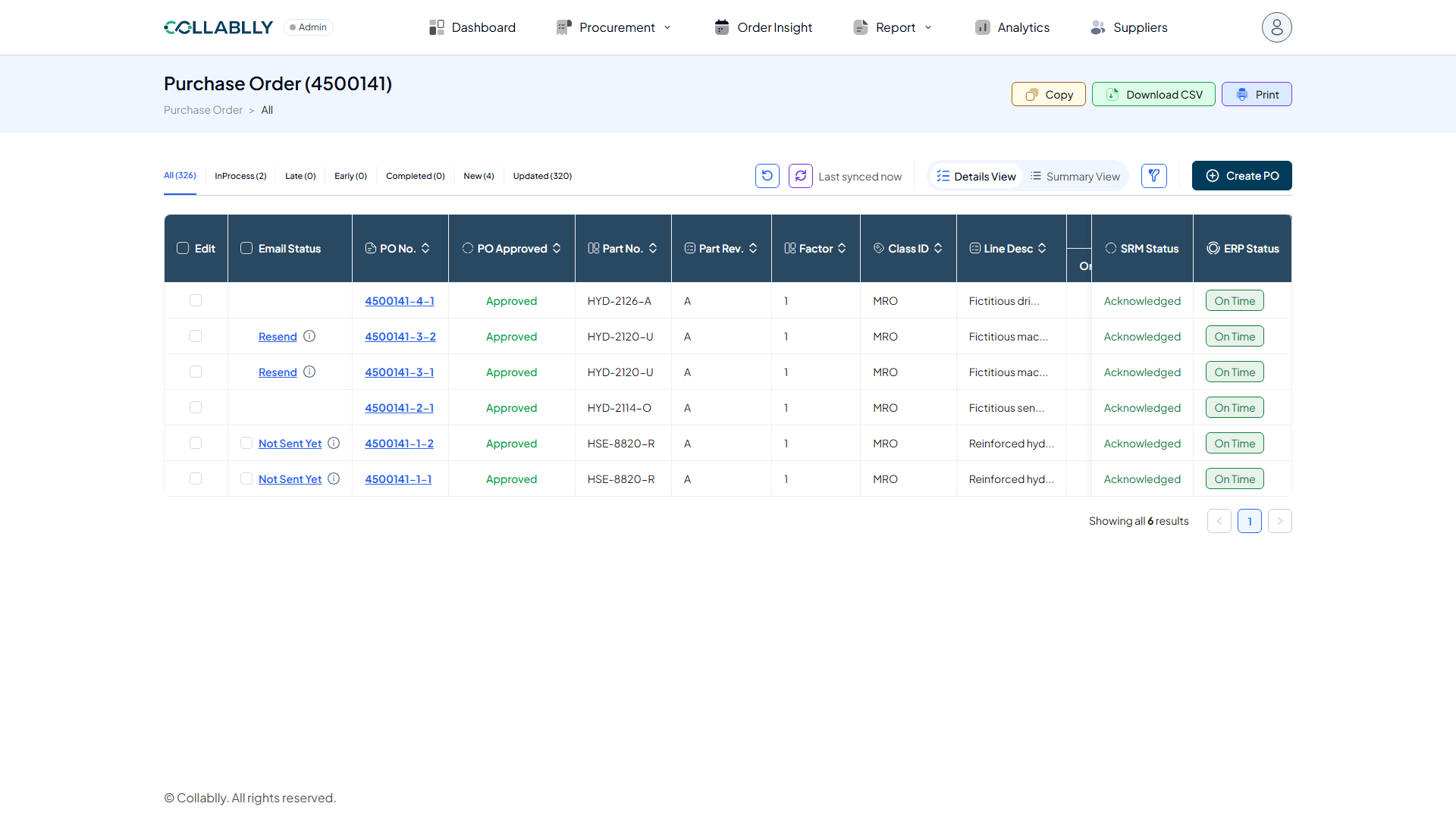
Sync pulls the new value into Collablly's database; Reload Data pulls it into this screen. If the new value is already showing after Sync, you can skip this, but it's the reliable way to be sure.
- Step 7 of 9
The change has landed
Reopening the same line's edit modal now shows the real numbers: Price 99.99, not the original 65.5, and Qty and Due Date reflect whatever else changed in the same ERP round trip.
- Step 8 of 9
SRM Status doesn't change
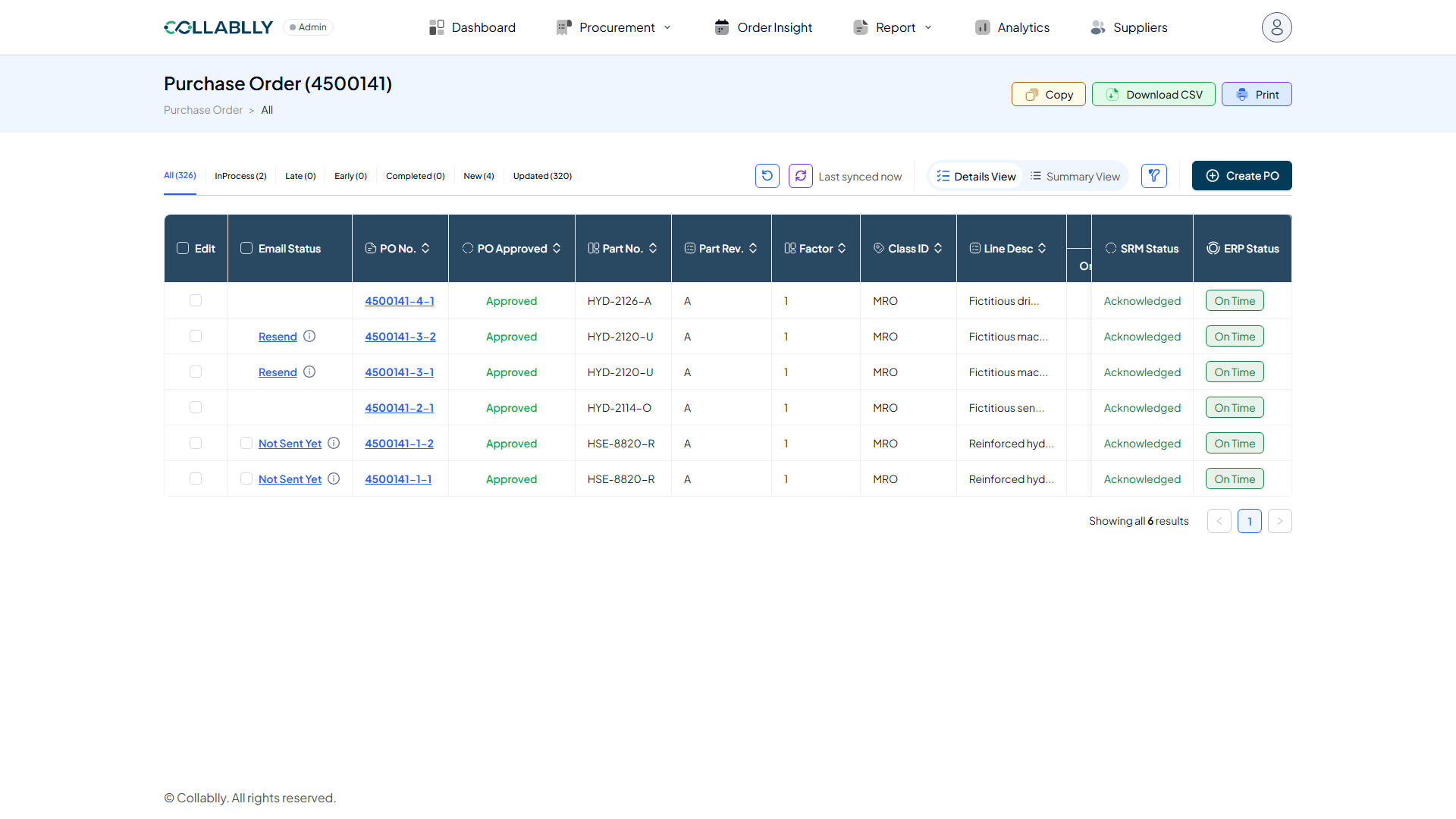
Unlike Mass PO Update, editing a line this way doesn't flip its SRM Status to Updated, this line stayed Acknowledged the whole time. It also doesn't notify the supplier by itself.
- Step 9 of 9
Editing several lines at once
Select more than one line before opening the modal and each gets its own editable row, same fields, one Update Selected POs button applies them all together. If the supplier needs to know about any of this, that's a separate step: use Line Communication (Reason: Change, for a due-date update, or Update, for anything else) to actually tell them.