
The Dashboard is your starting point in COLLABLLY SRM: a single page summarizing PO health across every status, who's participating, and where things stand, before you drill into any individual PO.
PO status tiles
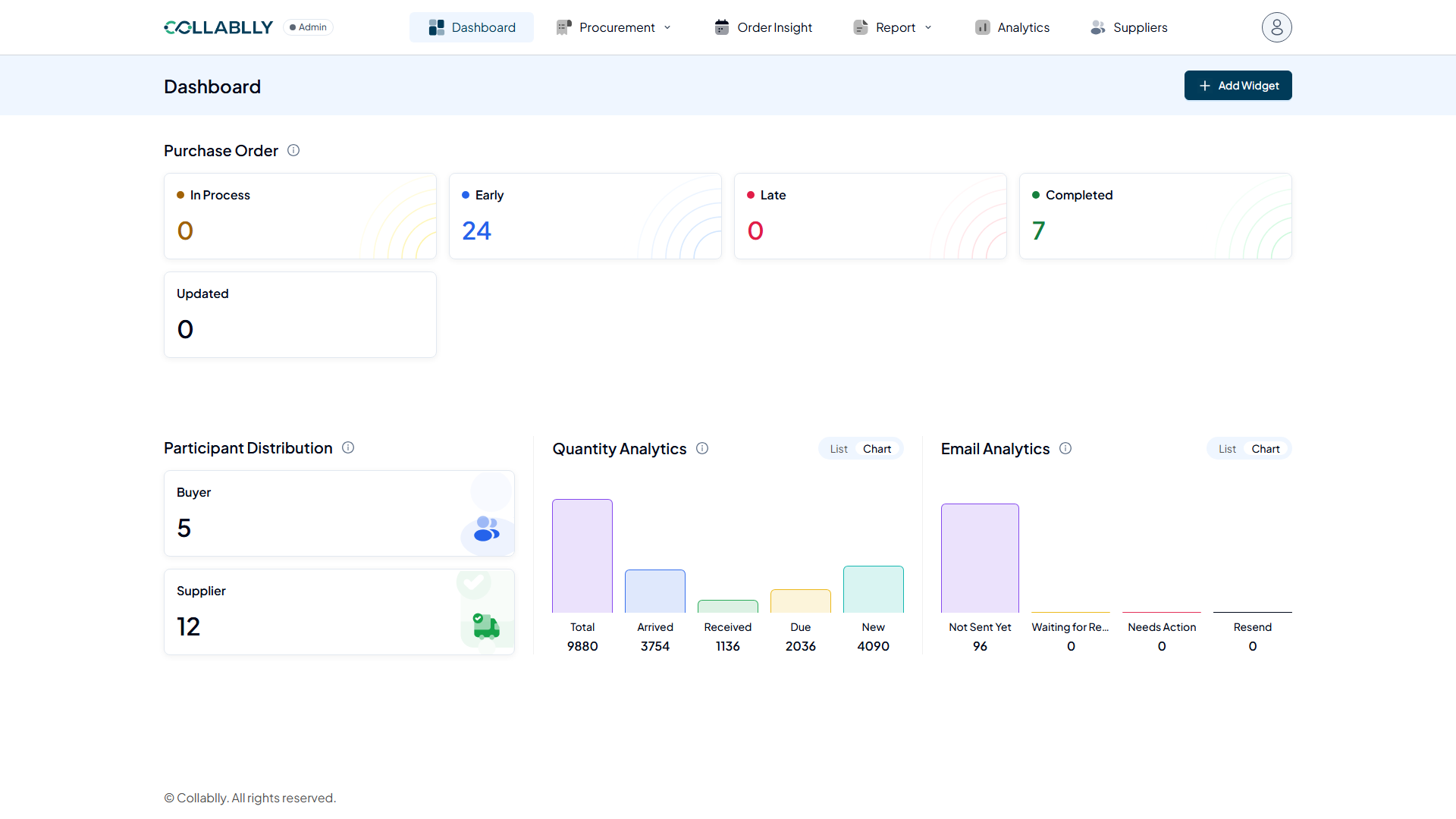
Across the top, a row of tiles counts your open purchase orders by status: In Process (active, not yet due), Early (arriving ahead of schedule), Late (past due date with nothing delivered), Completed, and Updated.
The Updated tile specifically means PO lines that were recently changed using the Mass PO Update tool, not just any recent edit. If you're trying to see what changed in a bulk update, this is the tile to check first.
Participants
Buyer and Supplier counts show how many of each are active in your tenant. Remember that visibility differs by role: Admins see every PO across every buyer, while Buyers only ever see their own POs.
Quantity and Email Analytics
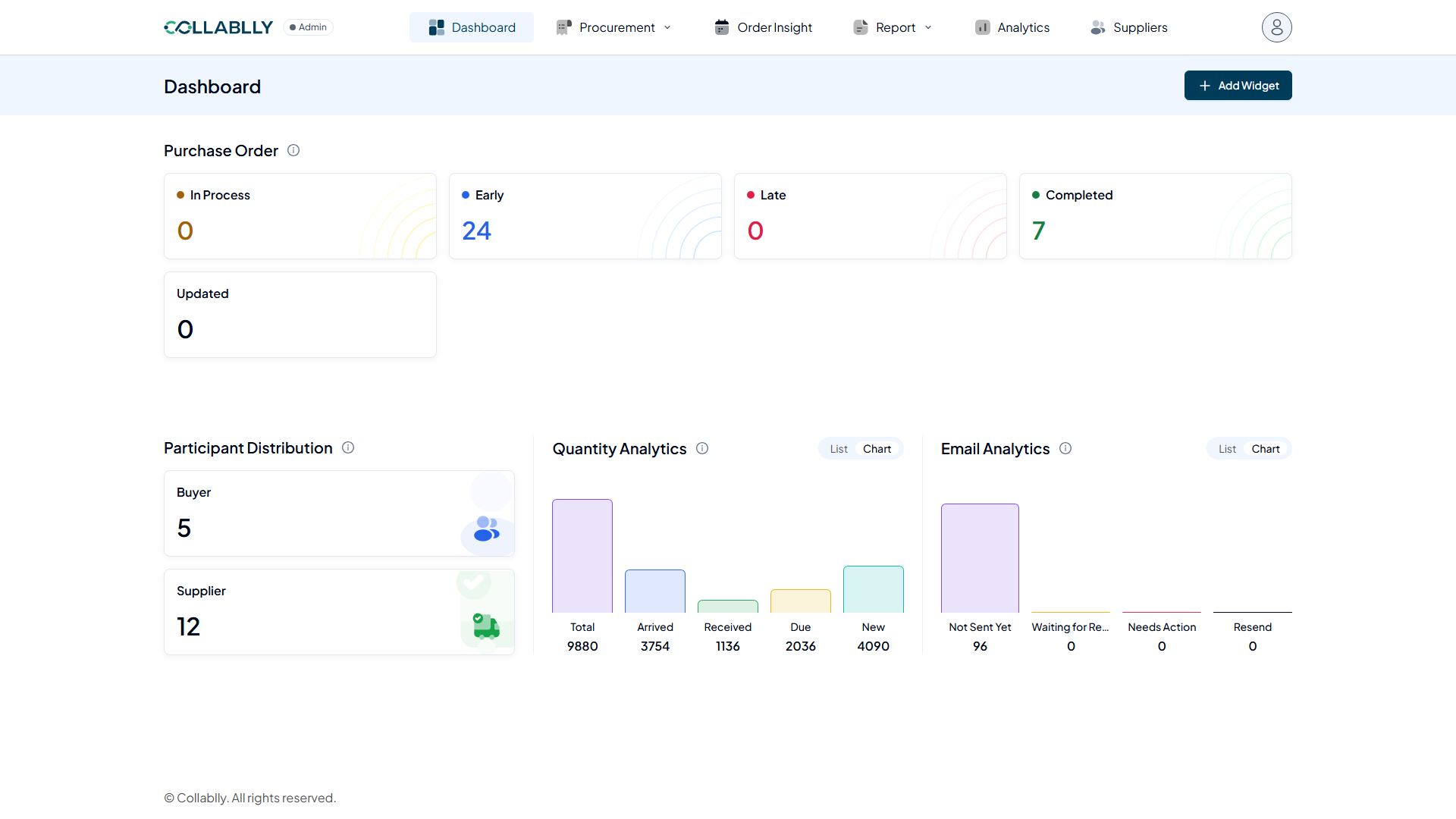
Quantity Analytics and Email Analytics each support a chart view and a List view (toggle in the widget header) for the same underlying data, whichever you find easier to read.
Customizing your Dashboard
Use Add Widget to bring in additional summary widgets beyond the defaults, so your Dashboard reflects what you personally check most often.